Charging
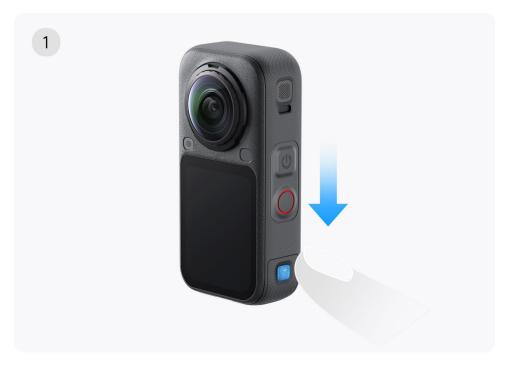
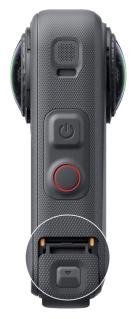
- Slide down the cover switch to open the USB cover.
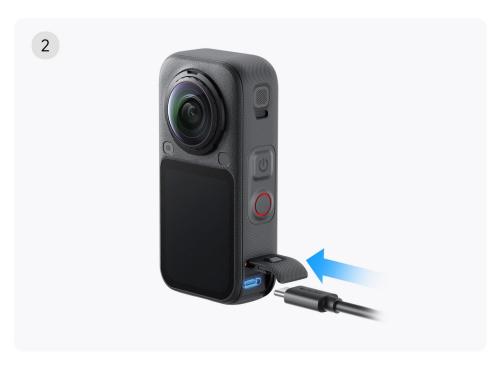
- Connect the camera to a charger using the official cable to start charging.
- When the cable is first inserted, the charging progress will be displayed, and the touchscreen will then turn off. Once the screen turns off, tap the screen to view the current charging progress.
Charging Time
Fast charging can be achieved when the camera remains powered off using a 30W adapter that complies with the PD fast charging protocol (and supports the PPS intelligent voltage adjustment feature):
- 0-80%: 24min
- 0-100%: 35min
When charging is complete, the LED indicator stays solid green, indicating a full charge.
\*Charging times are measured in a 25℃ laboratory environment using a 30W USB-C charger that supports the PD3.0 PPS protocol while the camera is powered off. Actual charging times may vary depending on different conditions.