Online Chat
Office Hours: 24/7
Start Chat


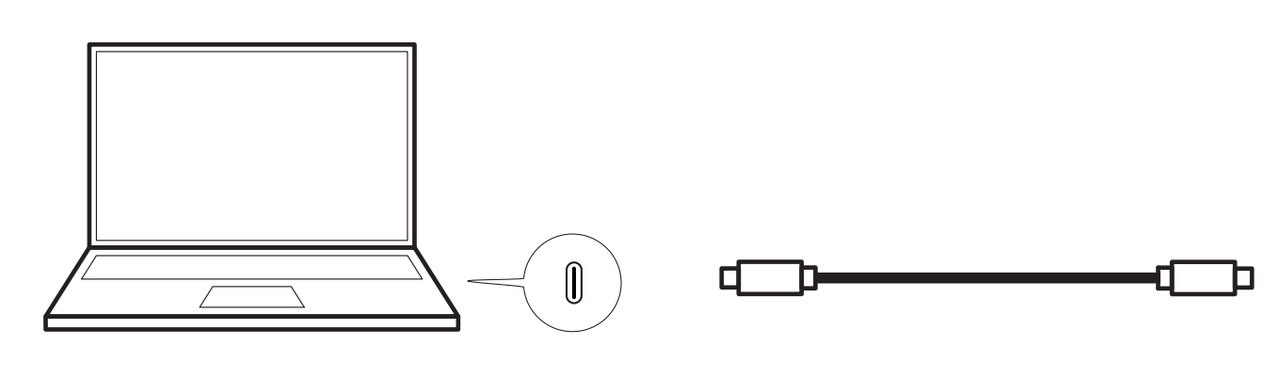
Method 1: Wired connection to a computer
Insta360 Wave is fully compatible with both Windows and macOS systems. For optimal connection stability and data transfer efficiency, we recommended to use the dedicated USB-C cable provided.
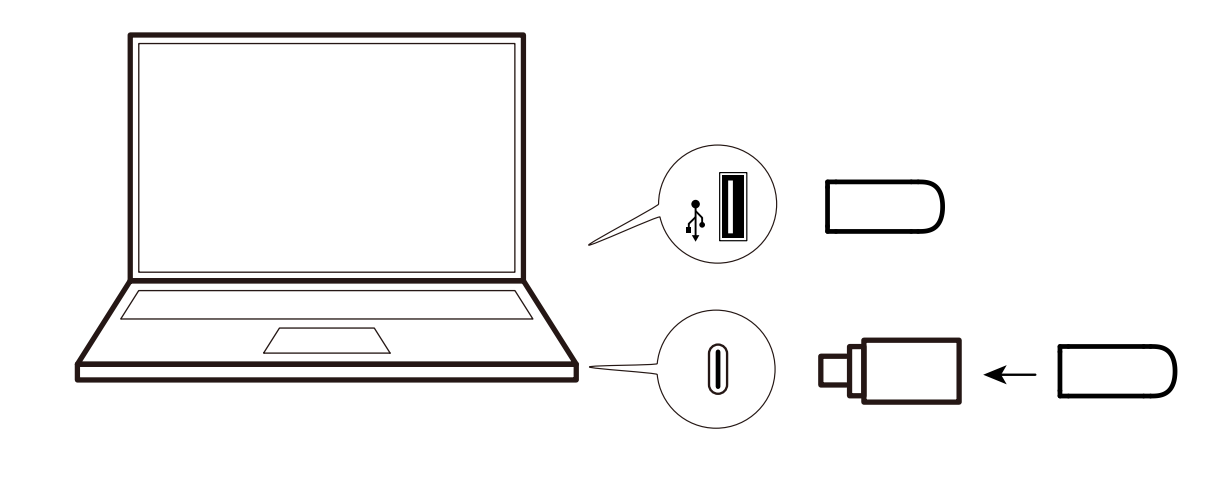
Method 2: Wireless Dongle connection to a computer
Remove the Dongle from Insta360 Wave and insert it into the computer or other devices to connect and use the device.
Note: The wireless transceiver can be connected using a USB-A to USB-C adapter to access the computer's USB-C port.
Method 3: Bluetooth connection to a mobile phone/tablet
Turn on Bluetooth on the touchscreen, then turn on Bluetooth on your mobile device and search for the device's Bluetooth to connect.
.svg)

