Online Chat
Office Hours: 24/7
Start Chat


The device supports multiple audio modes. Whether used as a microphone or during recording, it's important to select the best mode based on your conditions for an optimal result.
Freely select your desired audio mode by tapping More > Audio Mode.
Noise Reduction
Eliminates environmental noise, ideal for meetings.
Original
Preserves natural, authentic audio with five patterns.
| Pattern Type | Pattern Diagram | Description |
| Omnidirectional | 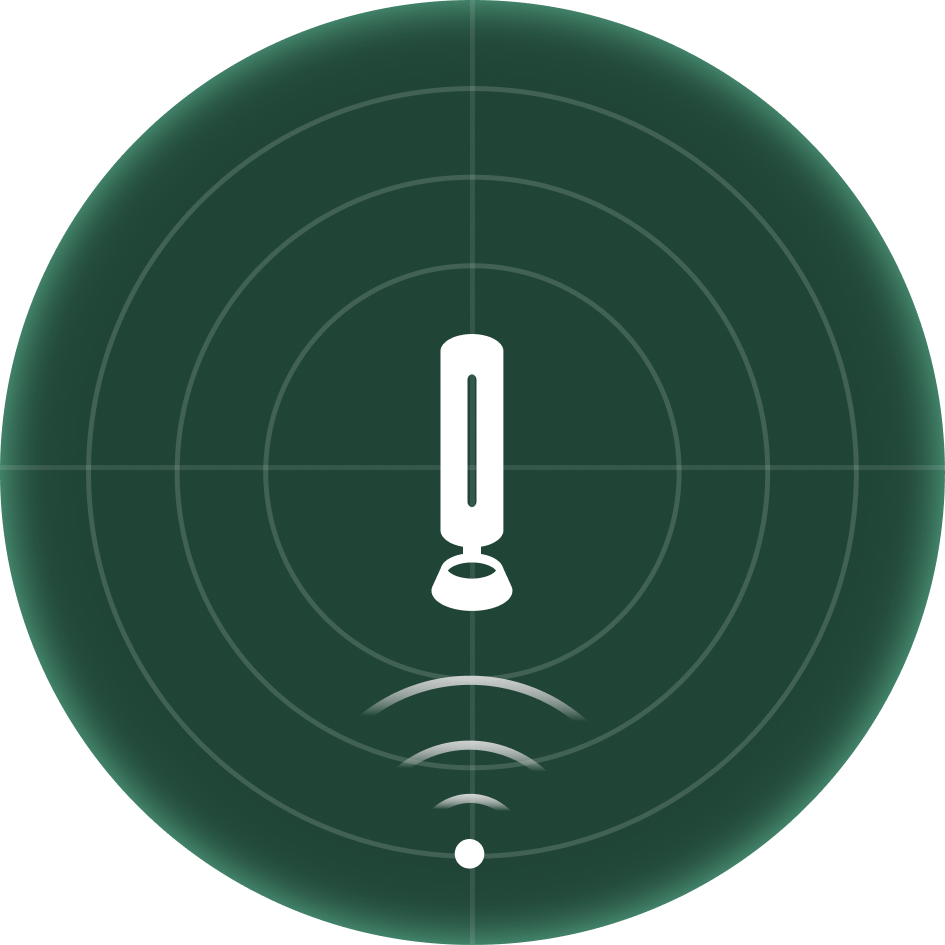
|
Captures sound from all directions, ideal for group or roundtable discussions. |
| Cardioid | 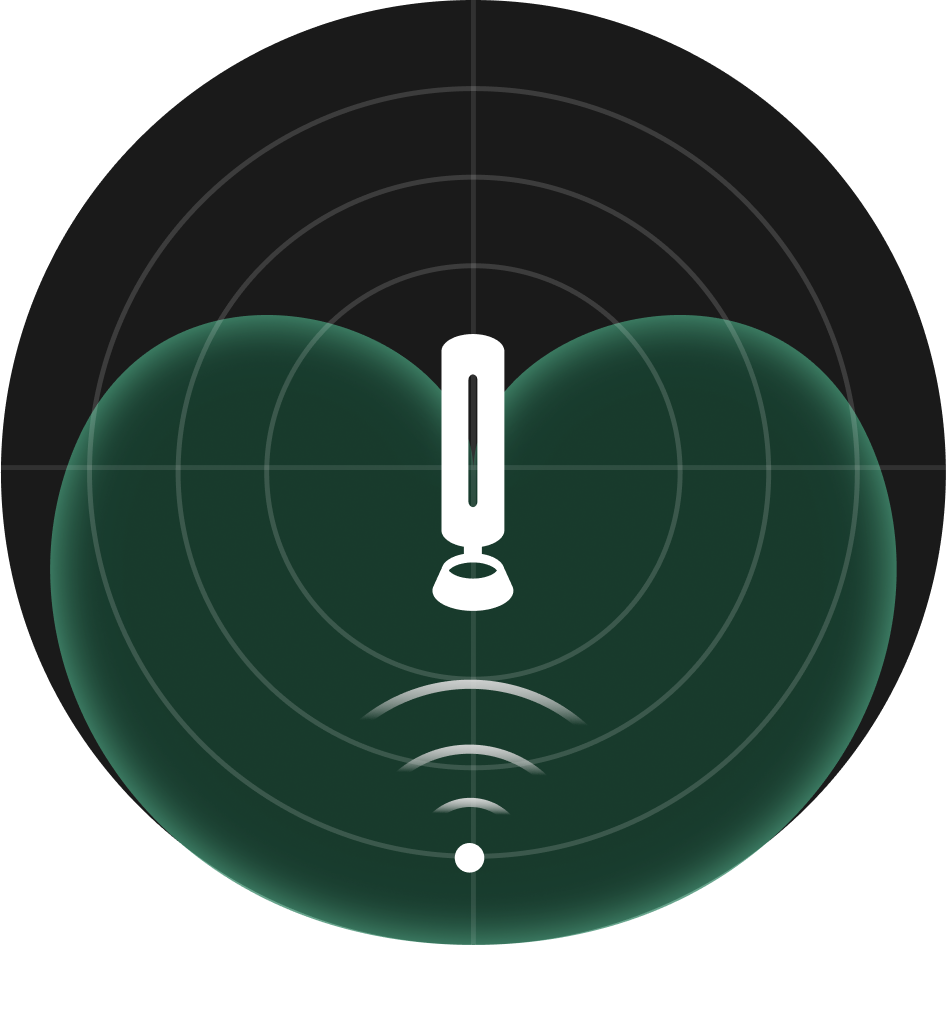 |
Captures sound from the front, ideal for live streaming or podcasting. |
| Supercardioid | 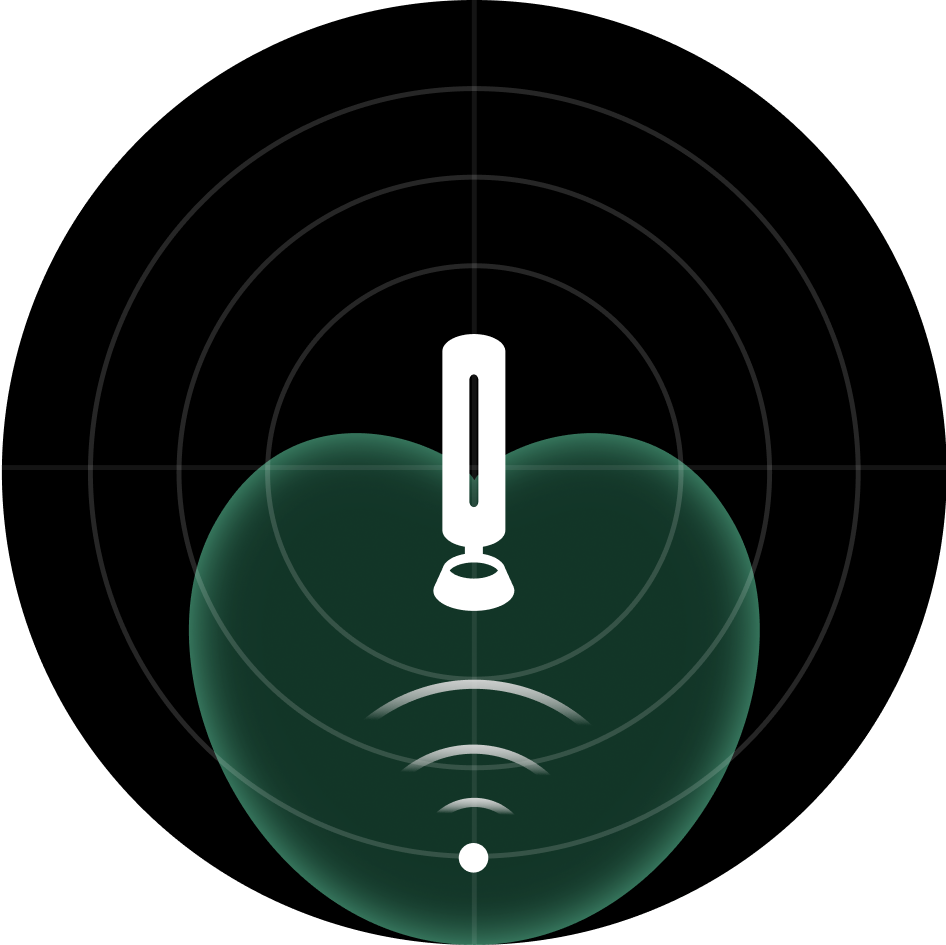 |
Captures sound from the front with a narrower pickup range than cardioid, ideal for personal meetings in an open space. |
| Figure-8 | 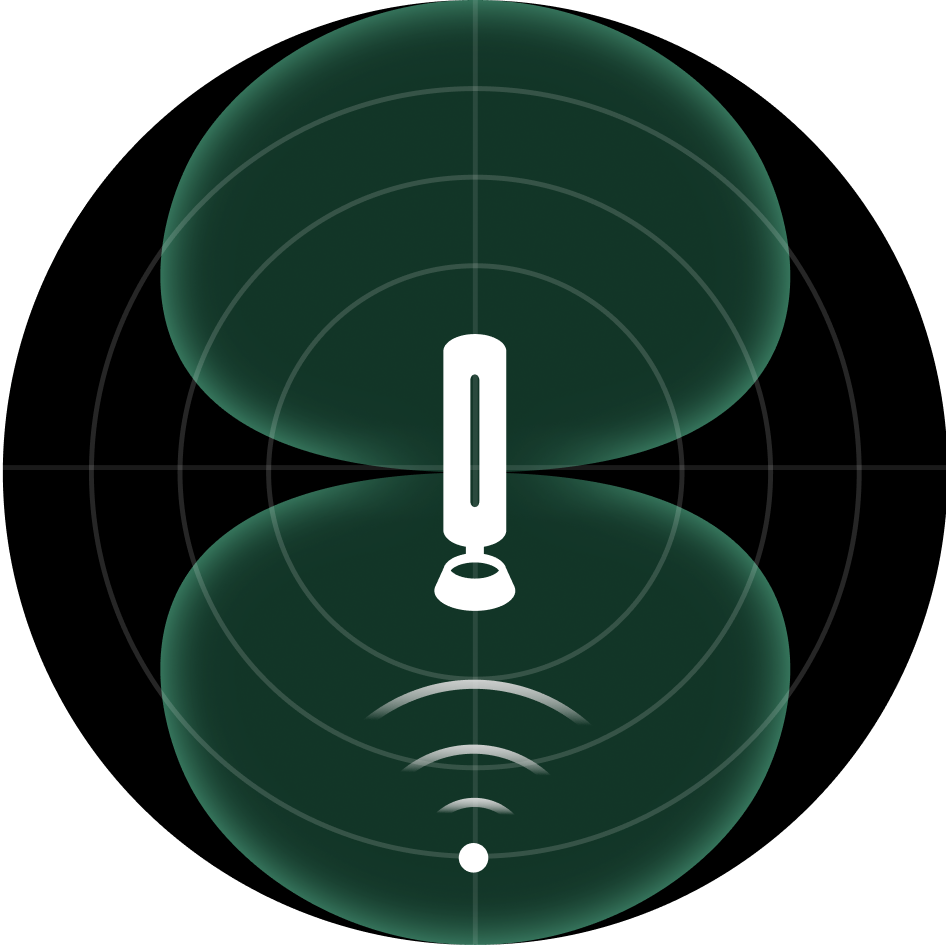 |
Captures sound from both front and back, ideal for face-to-face interviews. |
| Stereo | 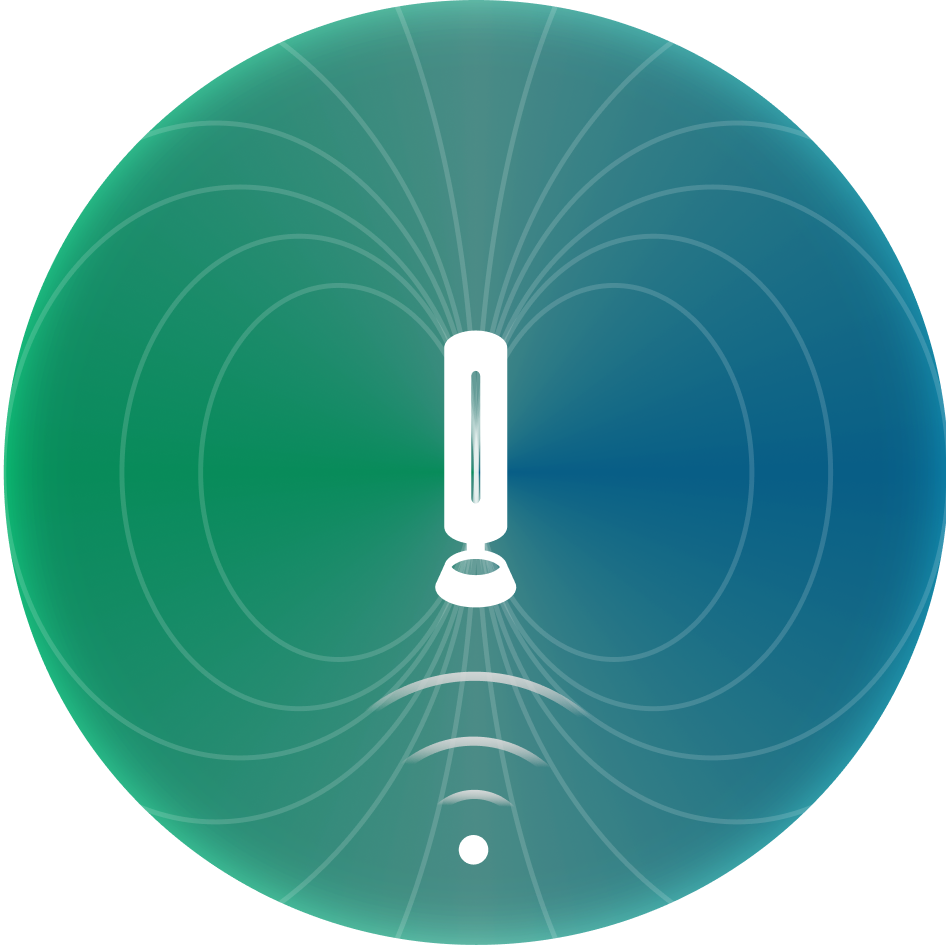 |
Uses left and right channels to capture sound, ideal for music performances (available only when the audio input source is USB). |
Note:
Currently, when used with Insta360 Link 2, only Noise Reduction and Omnidirectional are supported in order to ensure optimal voice-tracking performance. To use other pickup patterns, please set Insta360 Link 2 camera to manual adjustment first.
.svg)

