Wi-Fi Connection

How to Connect

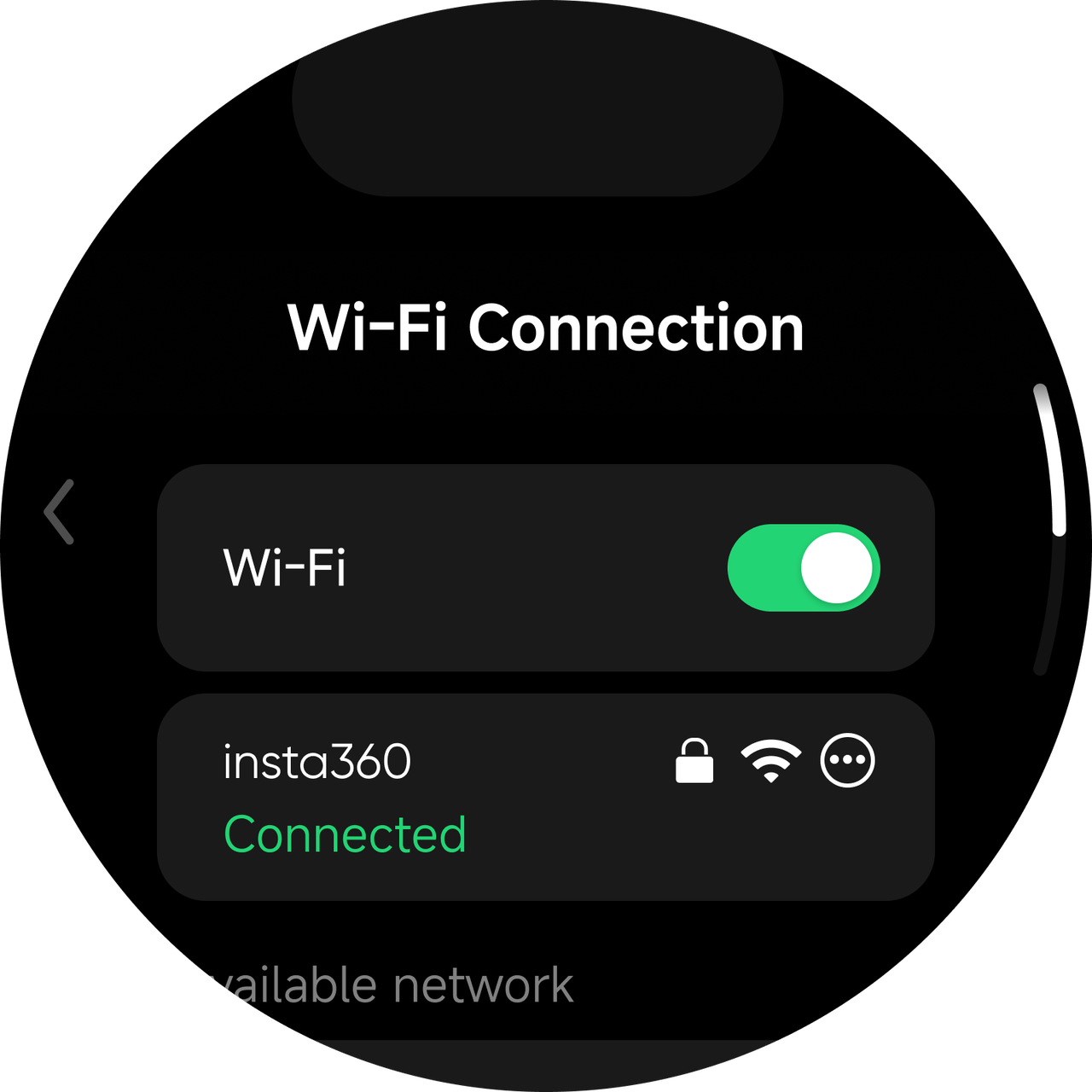
  • Method 1: On the touchscreen, go to Settings > Wi-Fi.
    Insta360

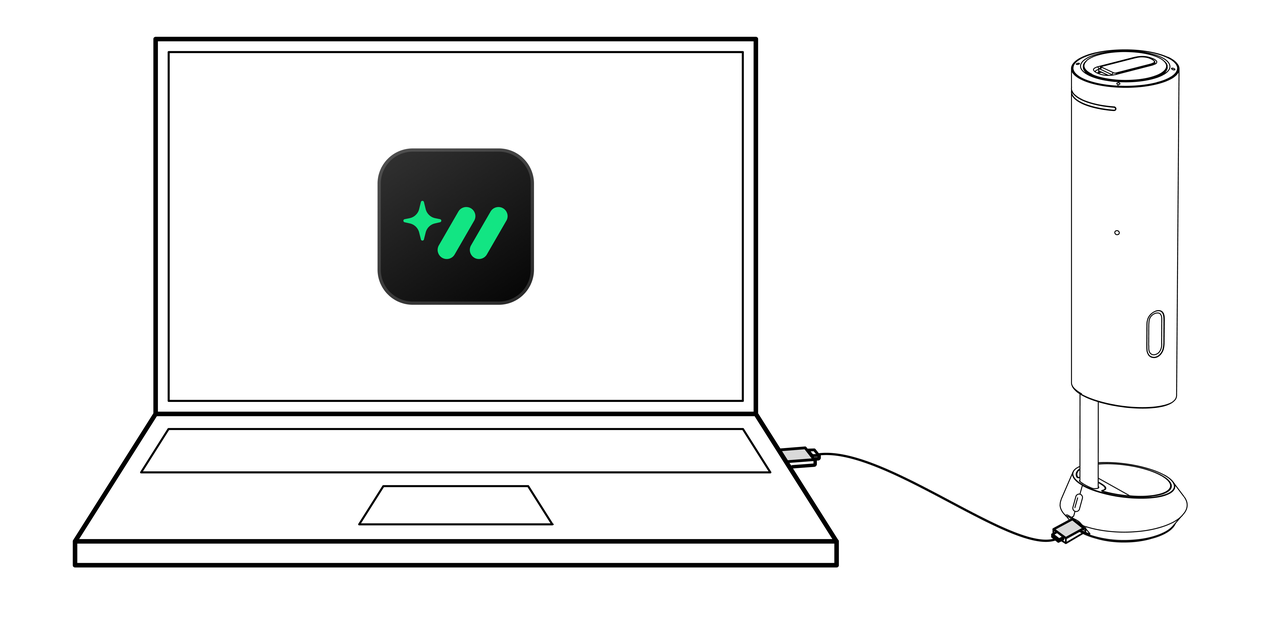
  • Method 2: After installing Insta360 Wave Controller on your computer and connecting the computer with the device via a USB cable, go to Settings in the software to set up Wi-Fi connection.
Insta360

Functions

  • With a Wi-Fi connection, you can use Insta360 InSight to upload your recording files to the cloud for transcription and meeting summary generation (Cloud Sync must be enabled).
  • With Wi-Fi, the device will automatically detect if a firmware update is needed and download the latest firmware.
insta360
Online Chat
Office Hours: 24/7
Start Chat

