Online Chat
Office Hours: 24/7
Start Chat


For scenarios that require both audio and video, the Insta360 Link 2 (sold separately) can be used in combination with Wave, otherwise known as Wavelink.
Notes:
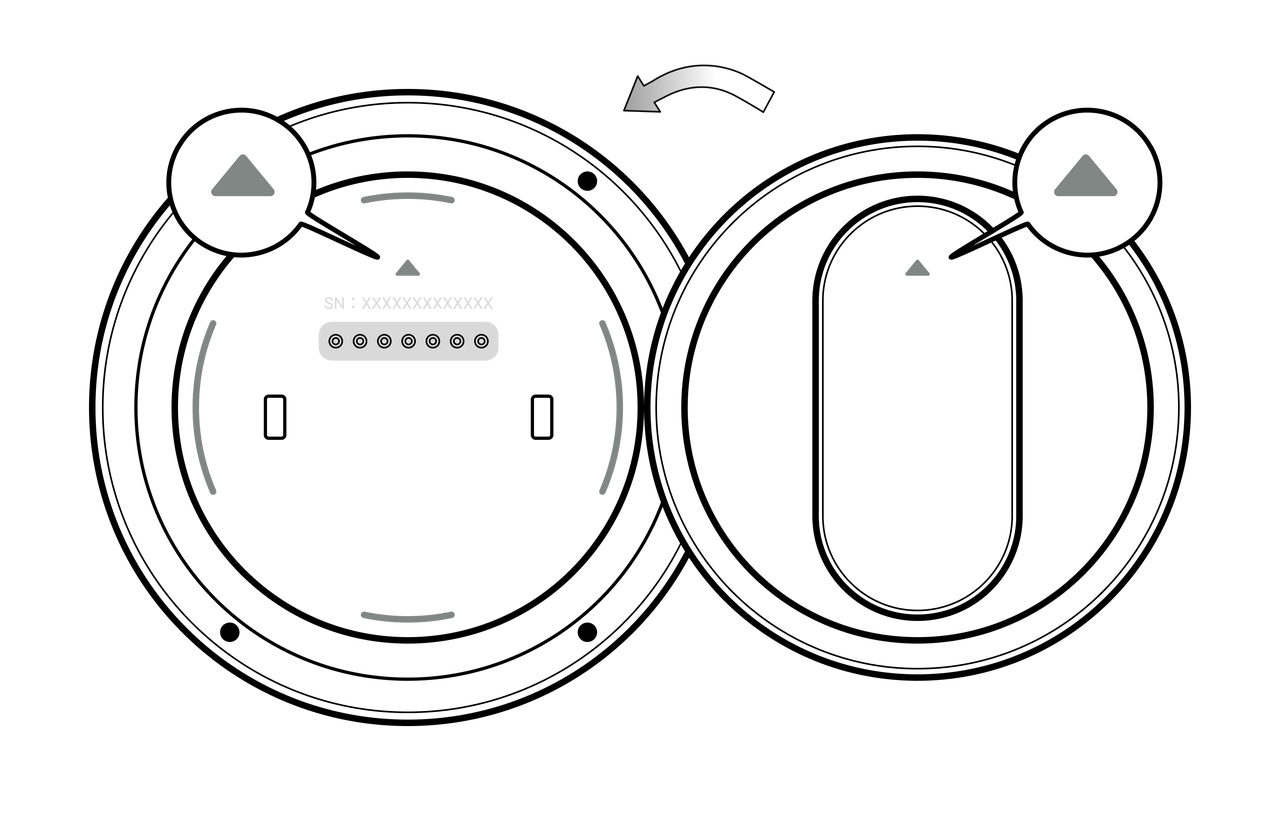

After connection, if a video conference has not yet started, Insta360 Link 2 will enter standby with the lens facing downward.
Before starting a video conference, set Insta360 Link 2 as your video device and the Insta360 Wave as your audio device in your system or conferencing software.
When the conferencing software detects an active video stream, Insta360 Link 2 will automatically power on and start capturing video. By default, Insta360 Link 2 automatically follows the active speaker by default.
You can also freely choose between automatic or manual camera working modes via the "Webcam" - "Camera Control" page on the Insta360 Wave screen.
New function buttons have been added to the client, allowing users to control Link 2 series cameras directly from the software. This includes controlling the camera angle, zooming, and using features such as Single/Group Tracking, Whiteboard Mode, and DeskView Mode. For detailed function descriptions, please refer to the Link 2/2C Pro User Manual.
| Device-side Interface | 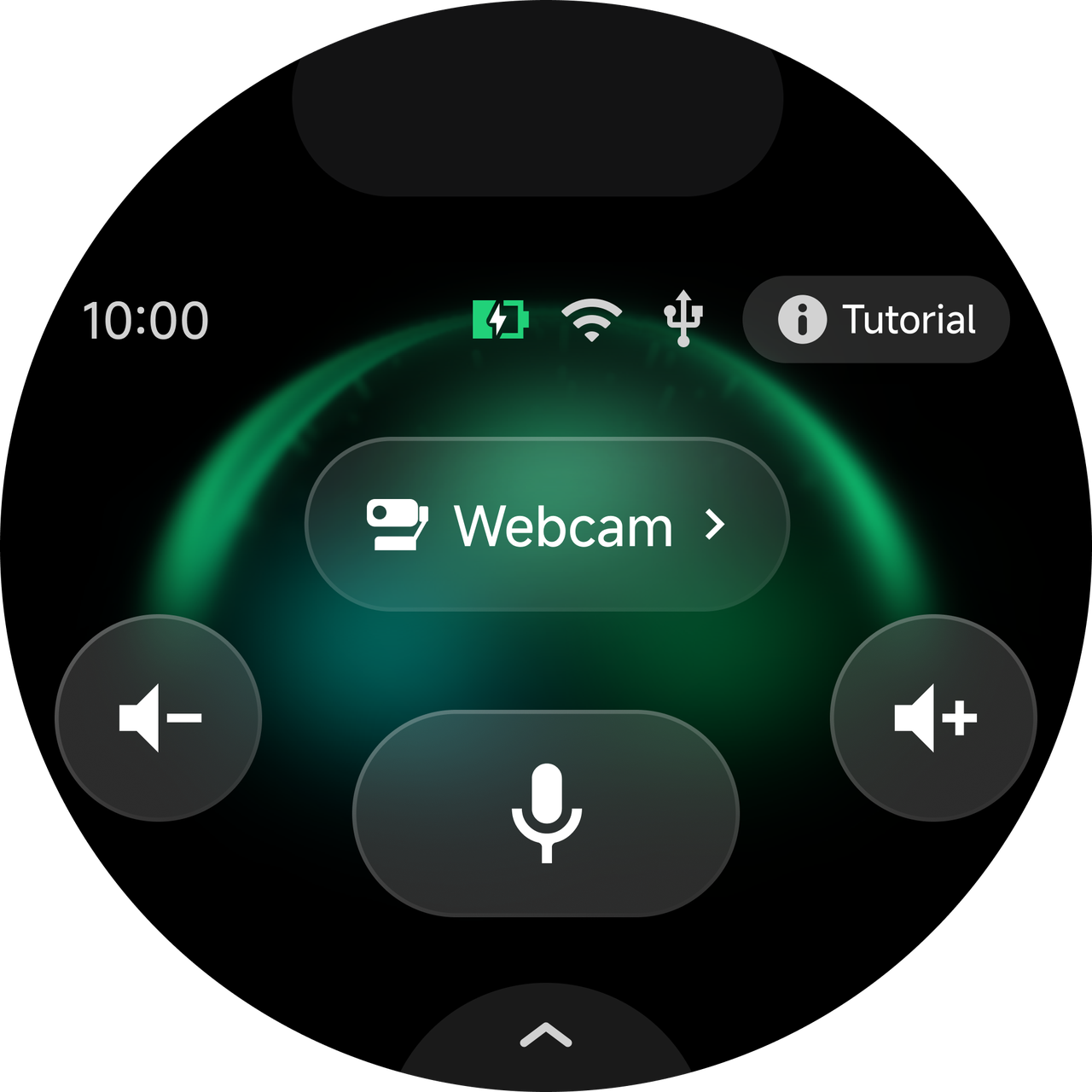 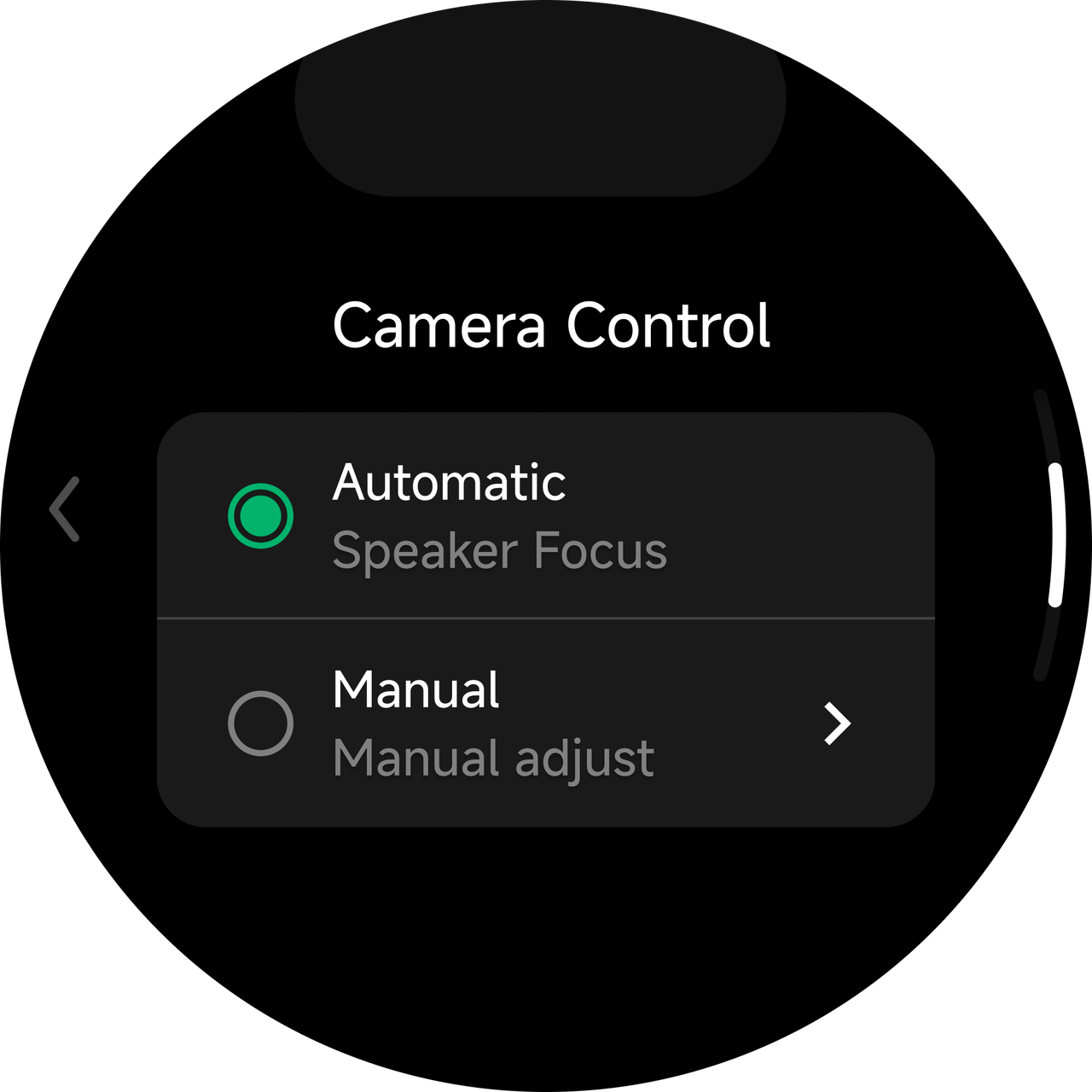 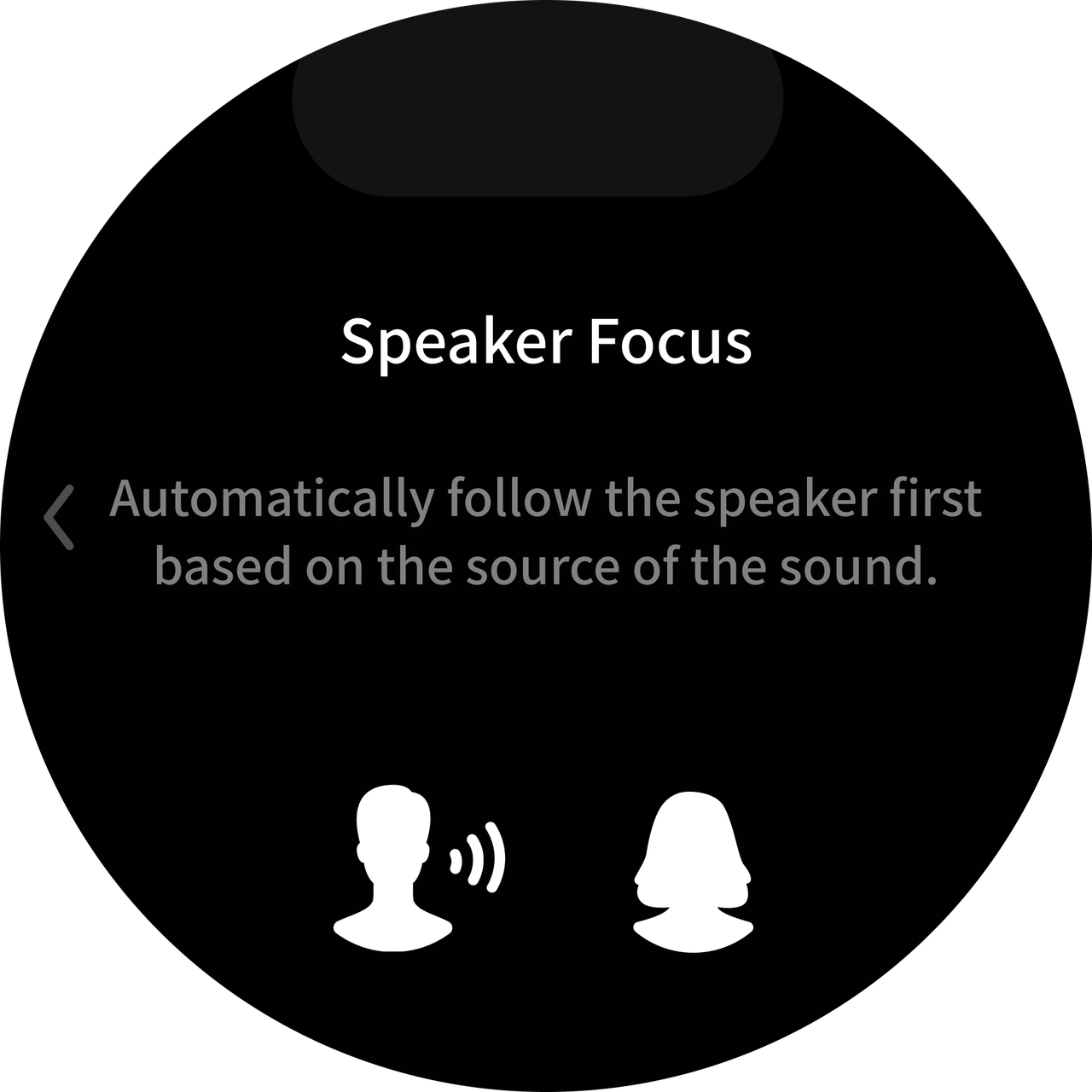 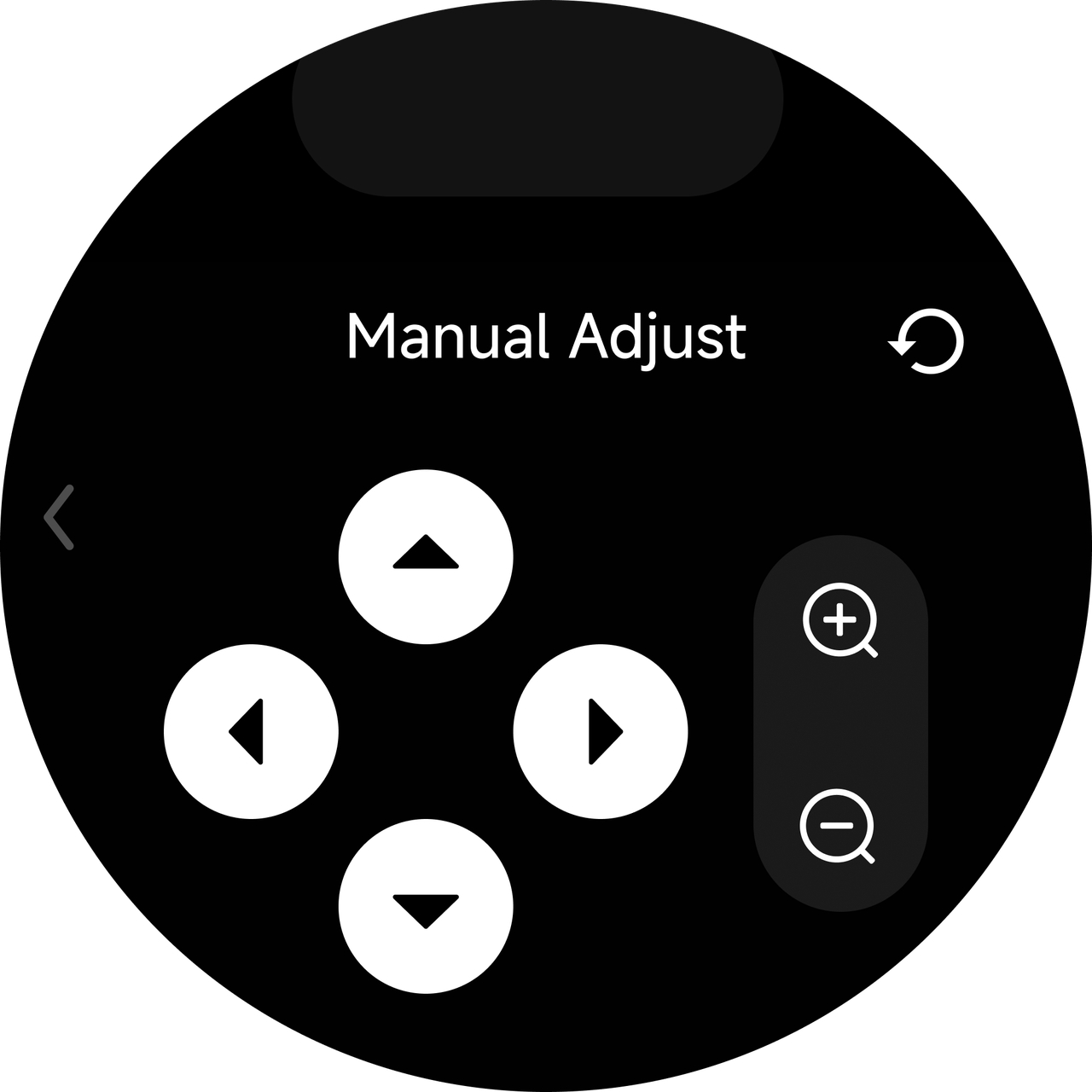
|
| Client-side Interface | 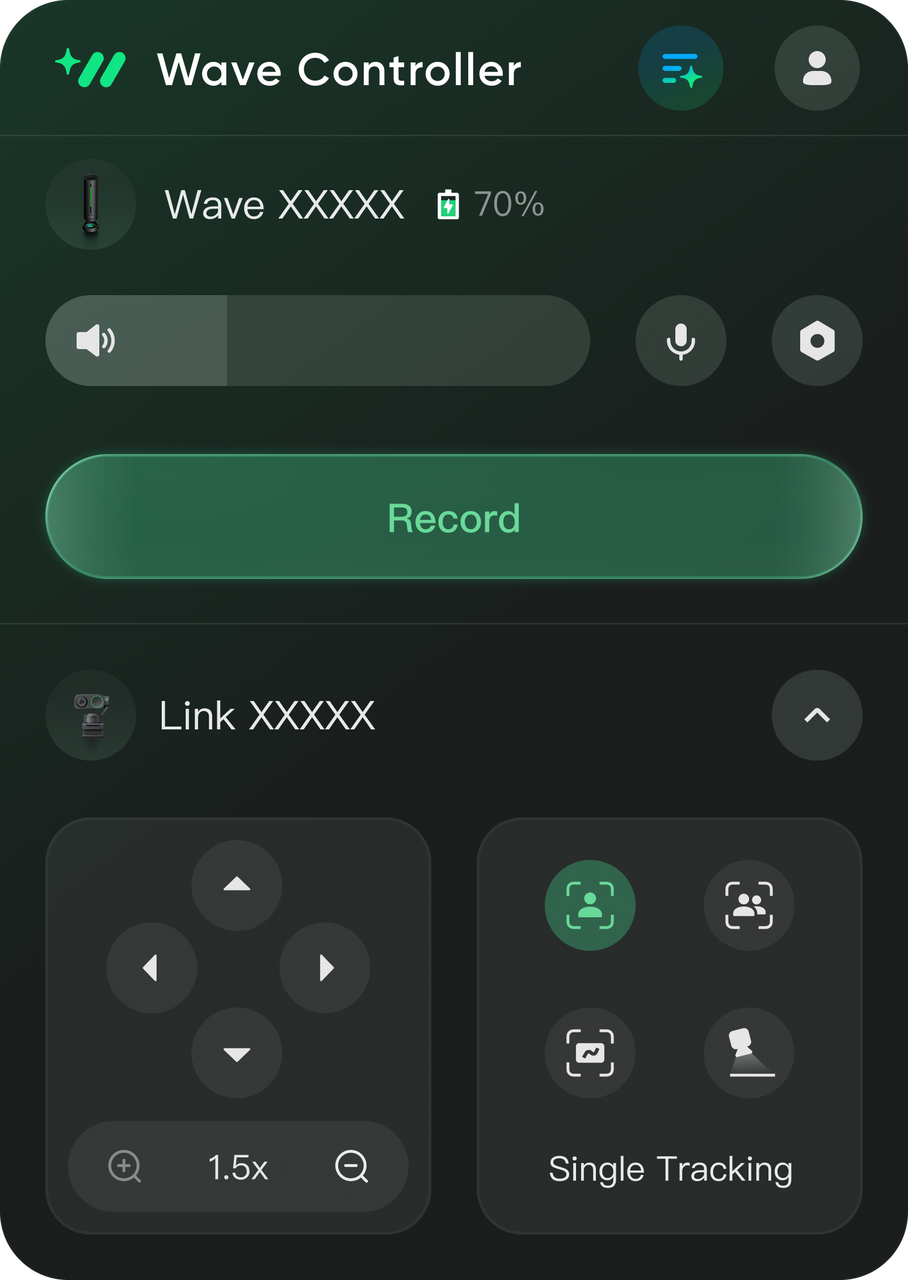
|
.svg)

