Search your question
English
简体中文
English
繁體中文
ONE X Support
Gyro Calibration Tutorial
1. Connect ONE X to your phone(
How do I connect it?
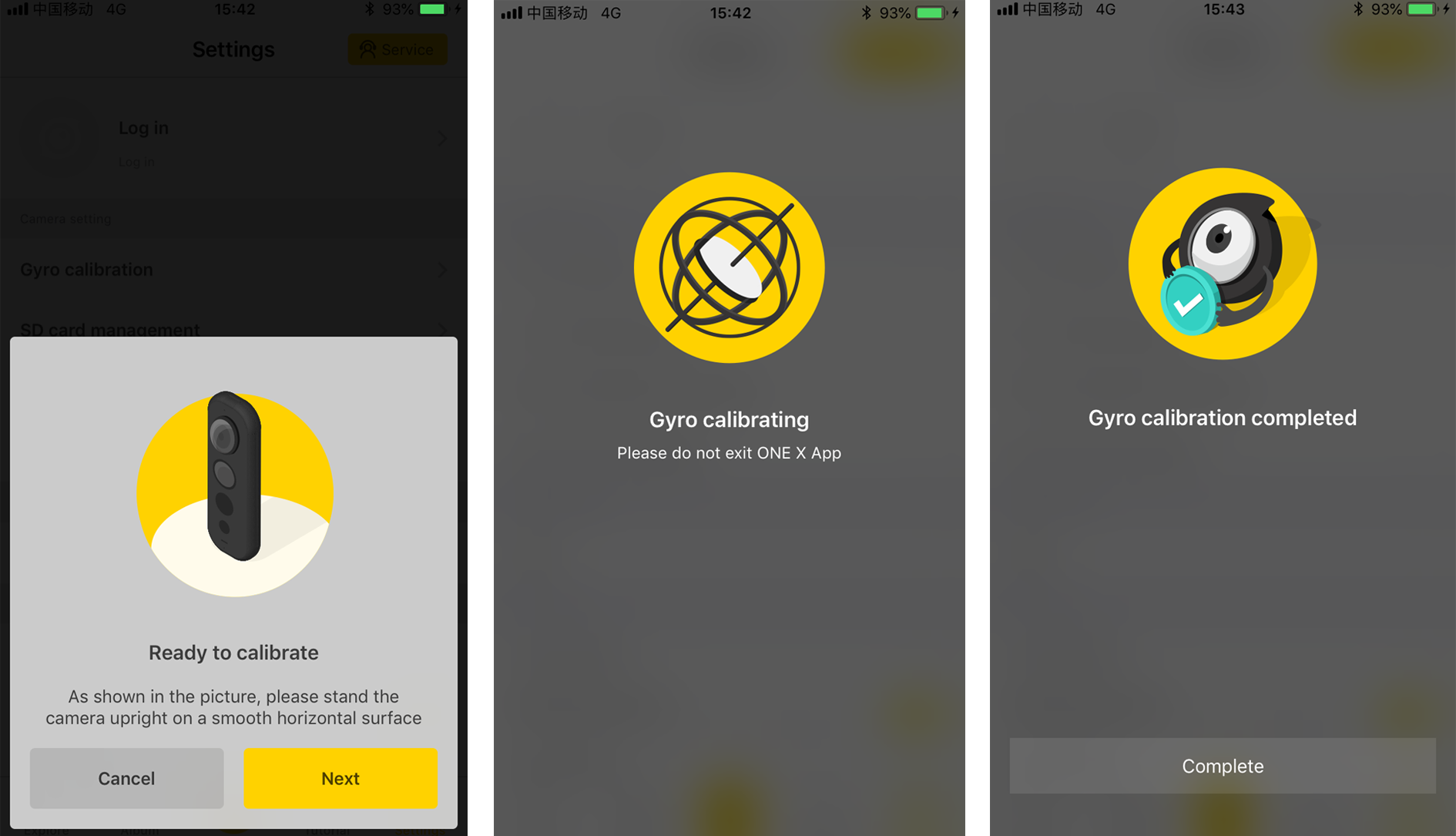
), the open the ONE X App, Tap Settings->Gyro Calibration.
2. Place the camera vertically on a horizontal surface, then just follow the instruction on the app to complete gyro calibration.
Was this information helpful?
Online Chat
Office Hours: 24/7
Start Chat


.svg)

