Online Chat
Office Hours: 24/7
Start Chat


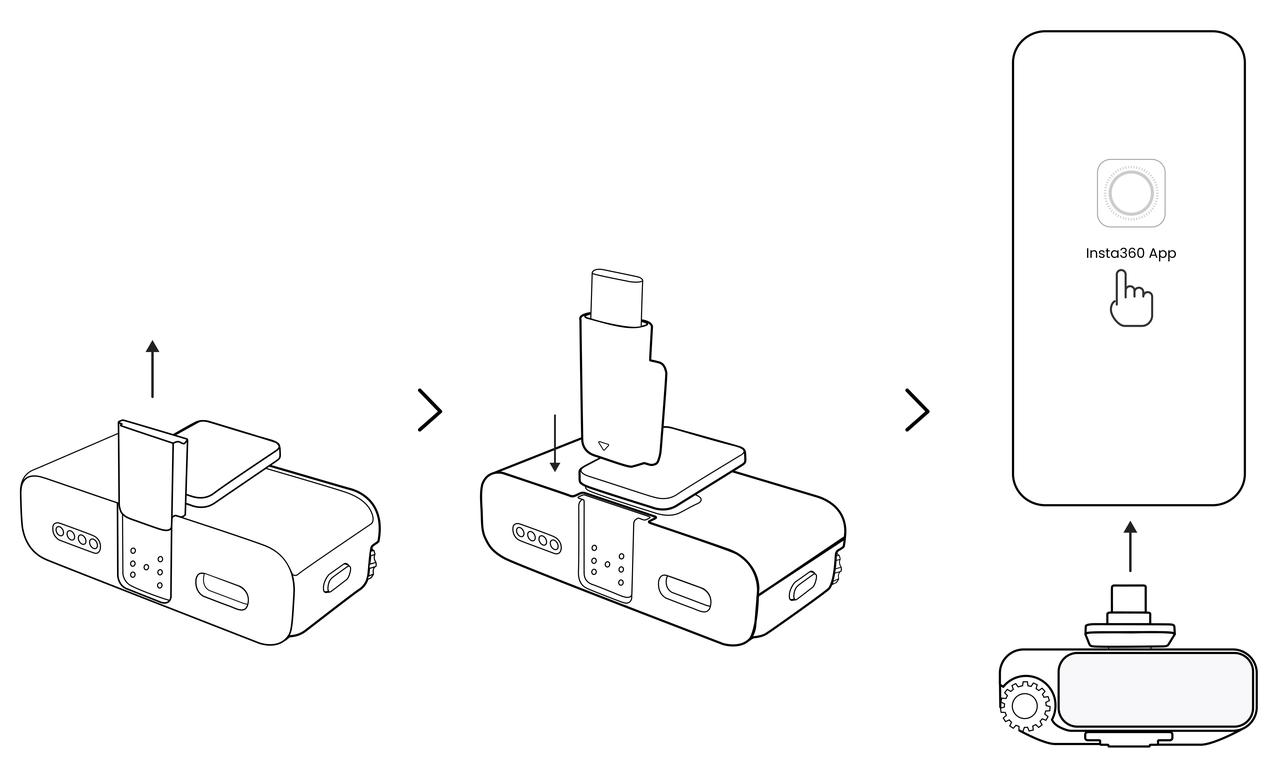
Notes:
Enable Bluetooth on your phone.
Enter Pairing Mode:
Launch the Insta360 app. For first-time use, the app will search for nearby devices, select your device name from the list.
Confirm Connection: Press the Power Button once on the Transmitter, or tap "Confirm" on the Receiver screen.
Subsequent Connections: Set the device to Pairing Mode and tap the device icon at the bottom of the App homepage, or go to "Me" → "Device Settings" → "Connect Device".
Note: Bluetooth only supports one device connection at a time. To manage multiple transmitters simultaneously, pair them with the Receiver first, then connect the Receiver to your phone via the adapter.
.svg)

