Online Chat
Office Hours: 24/7
Start Chat


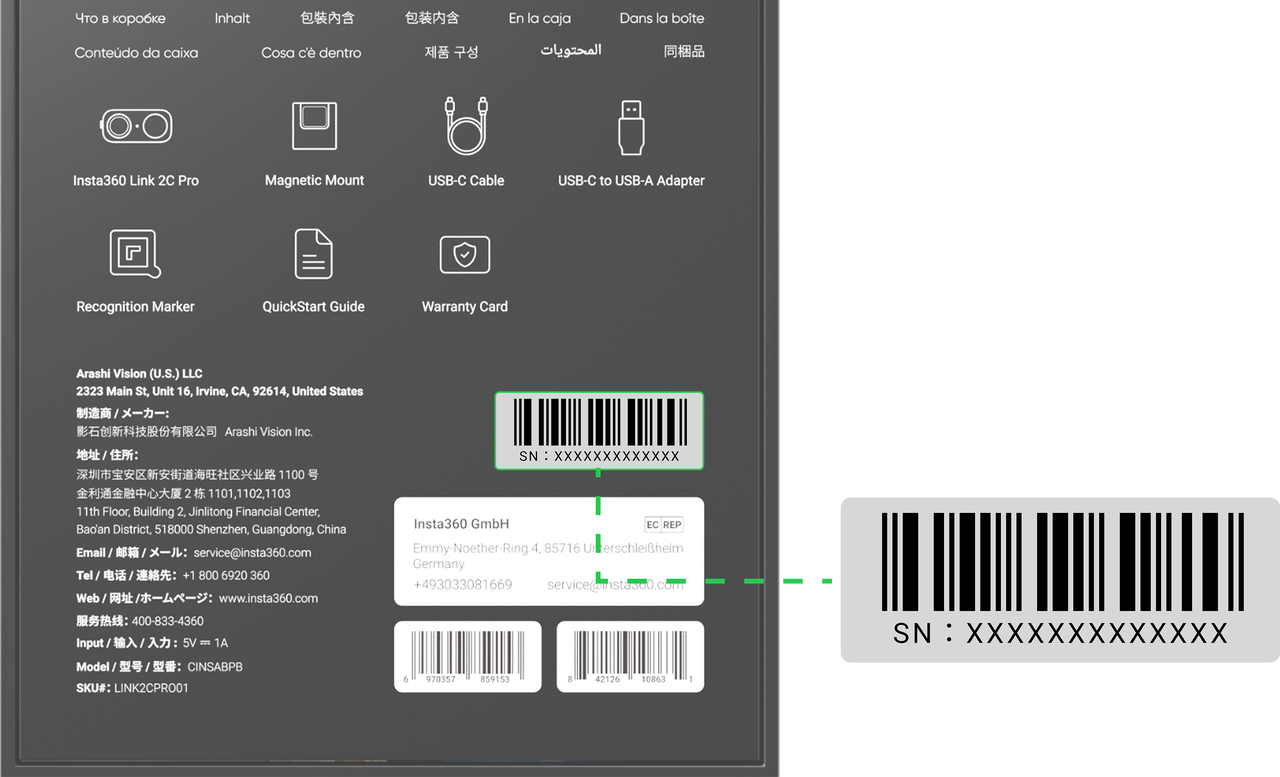
Check the back of the packaging box, where the corresponding serial number label is attached.
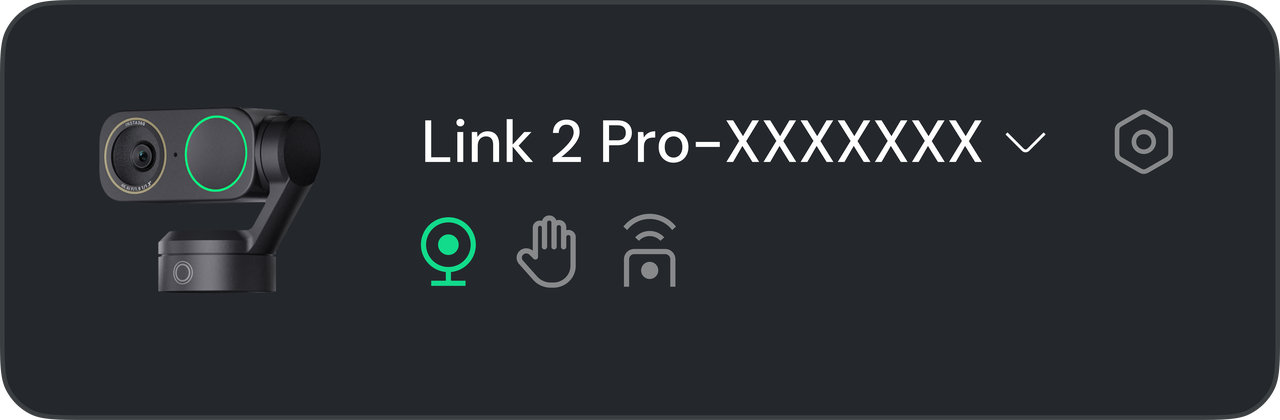
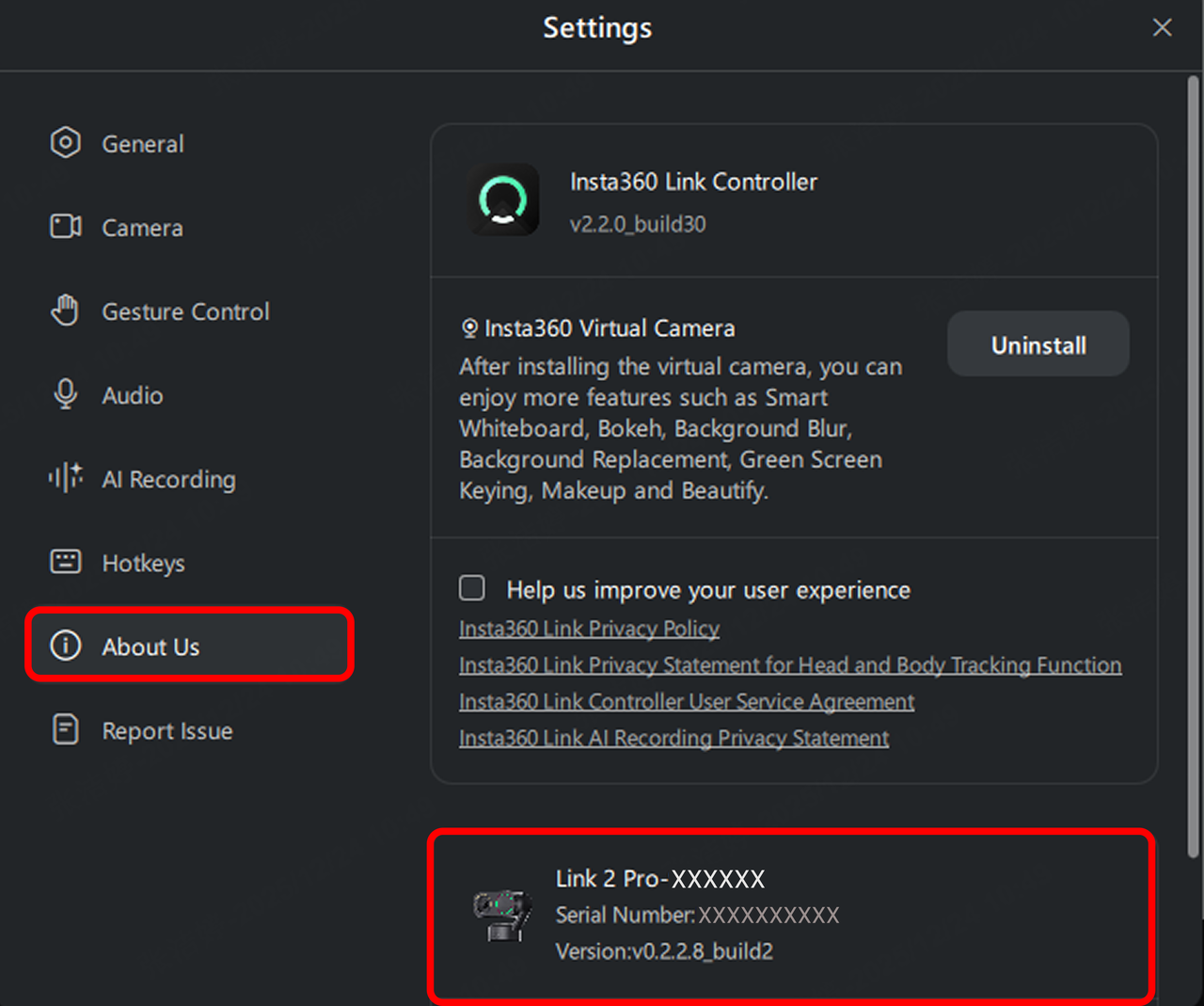
Alternatively, click the "..." icon in the control bar at the top-right of the client window, then go to "More Settings" > "About Us" to view the serial number.
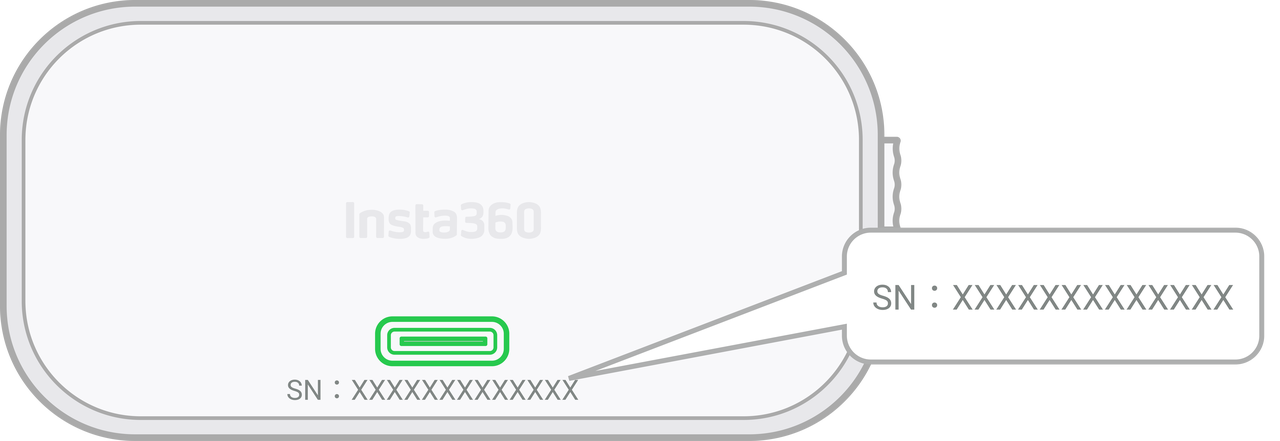
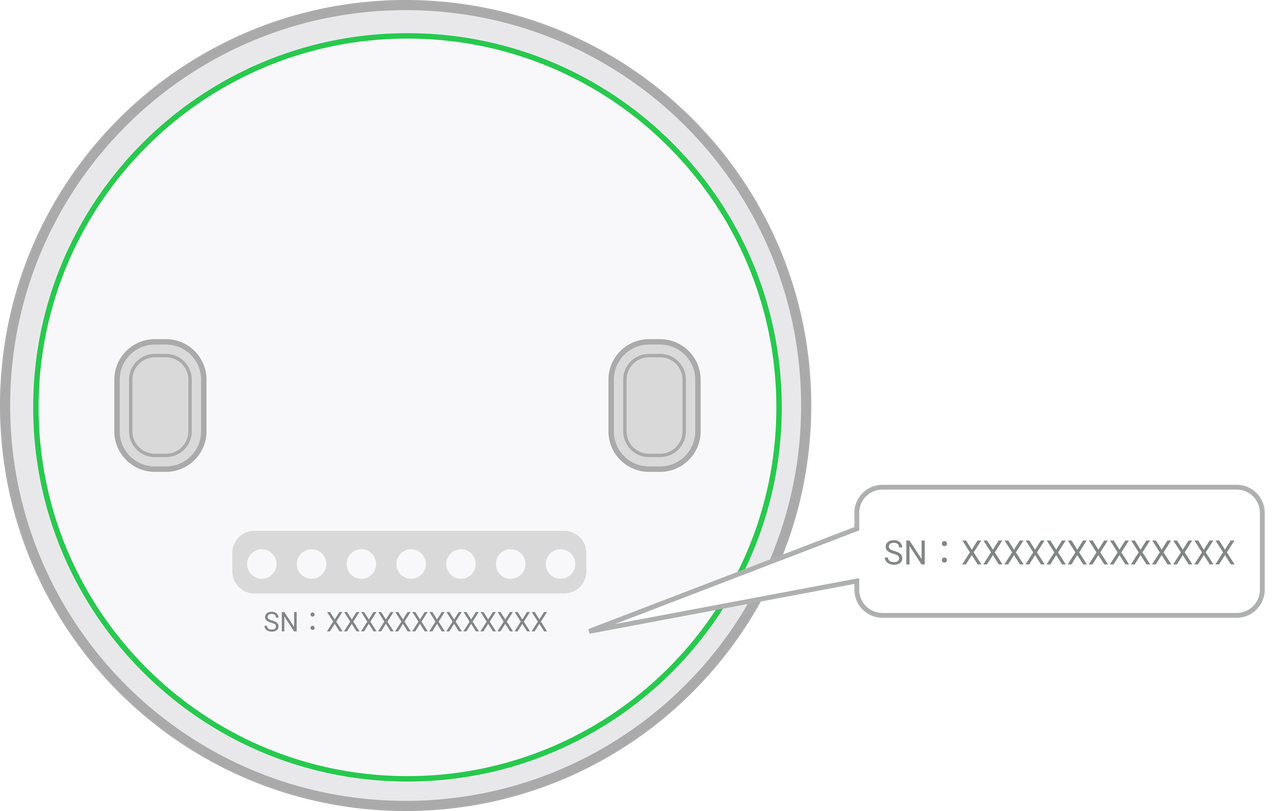
Link 2C Pro: The serial number is located below the USB-C port.
Link 2 Pro: The serial number is located on the bottom of the gimbal base.
.svg)

