Online Chat
Office Hours: 24/7
Start Chat


Based on your usage, click the microphone icon at the bottom of the client to select the pickup mode and access more audio settings.
| Modes | Description | Graphics |
| Standard | Suitable for daily use. It picks up ambient sound around the device, enhances and highlights human voices, and slightly reduces environmental noise. | 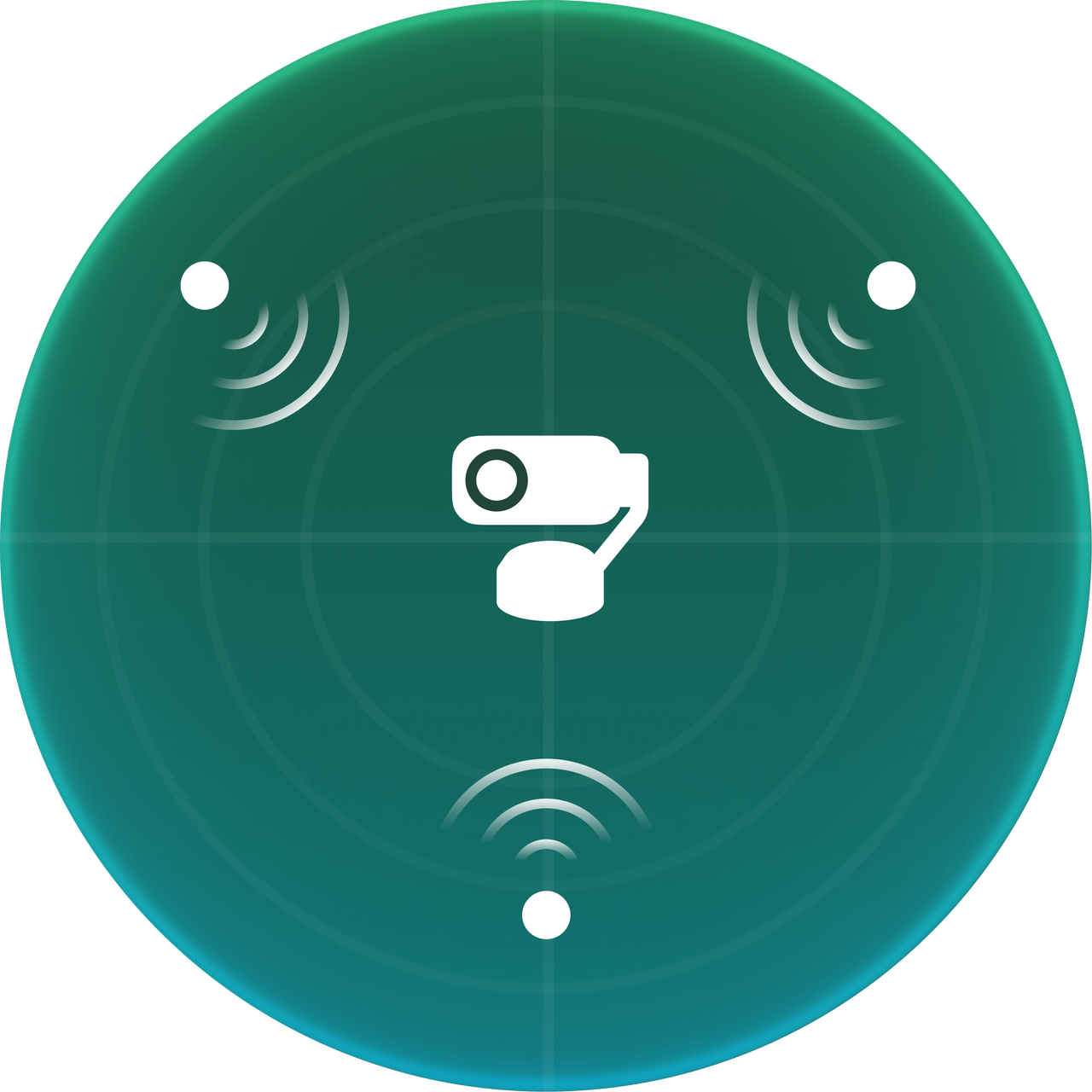
|
| Wide | Suitable for single or multi-person meetings, live streaming, and other scenarios. It picks up and enhances all human voices in front of the device while automatically suppressing environmental noise and voices from behind the device. | 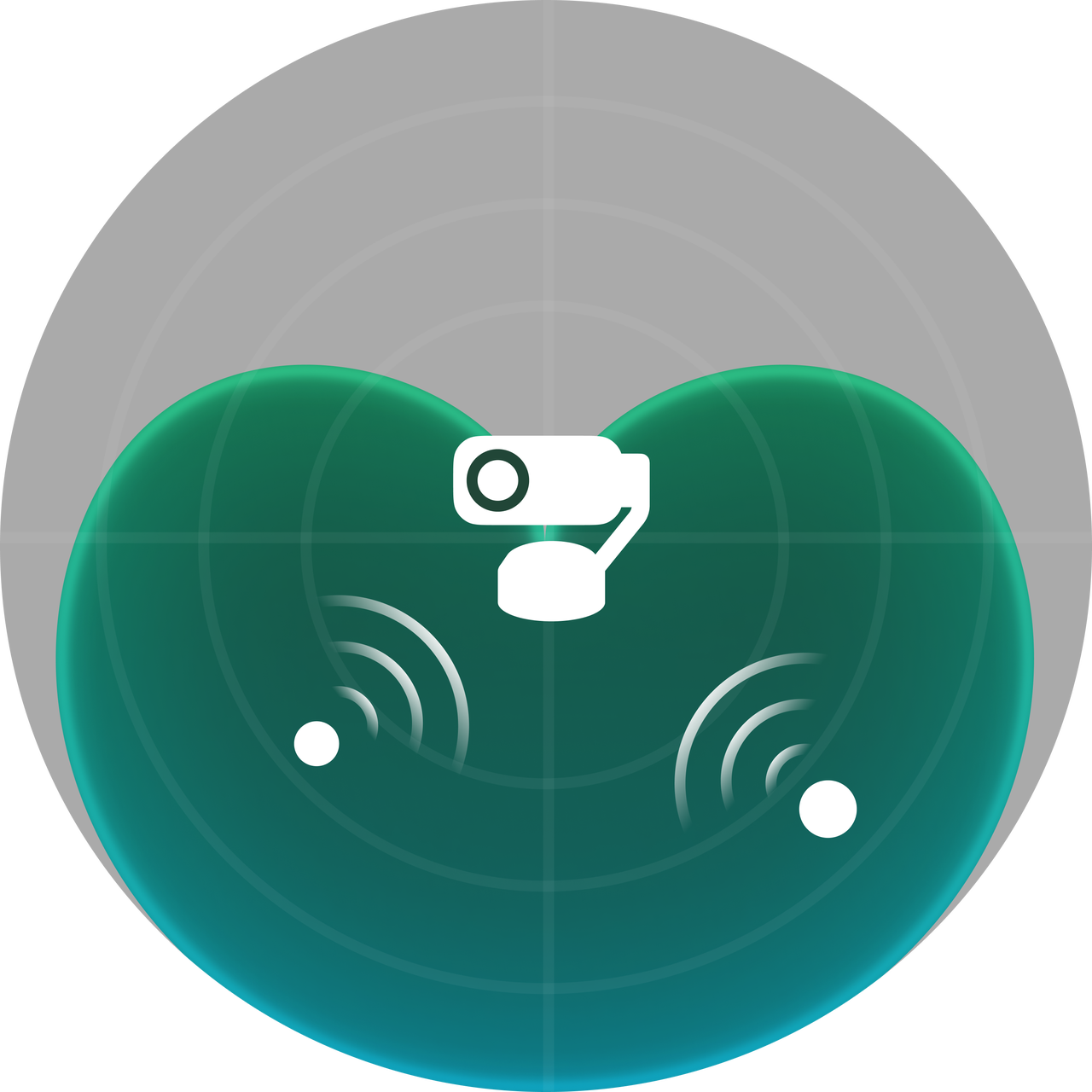 |
| Focus | Suitable for noisy environments such as workstations or cafes. The pickup range is more concentrated, prioritizing the enhancement of human voices within approximately 1 meter in front of the device while automatically suppressing voices and environmental noise outside this area. | 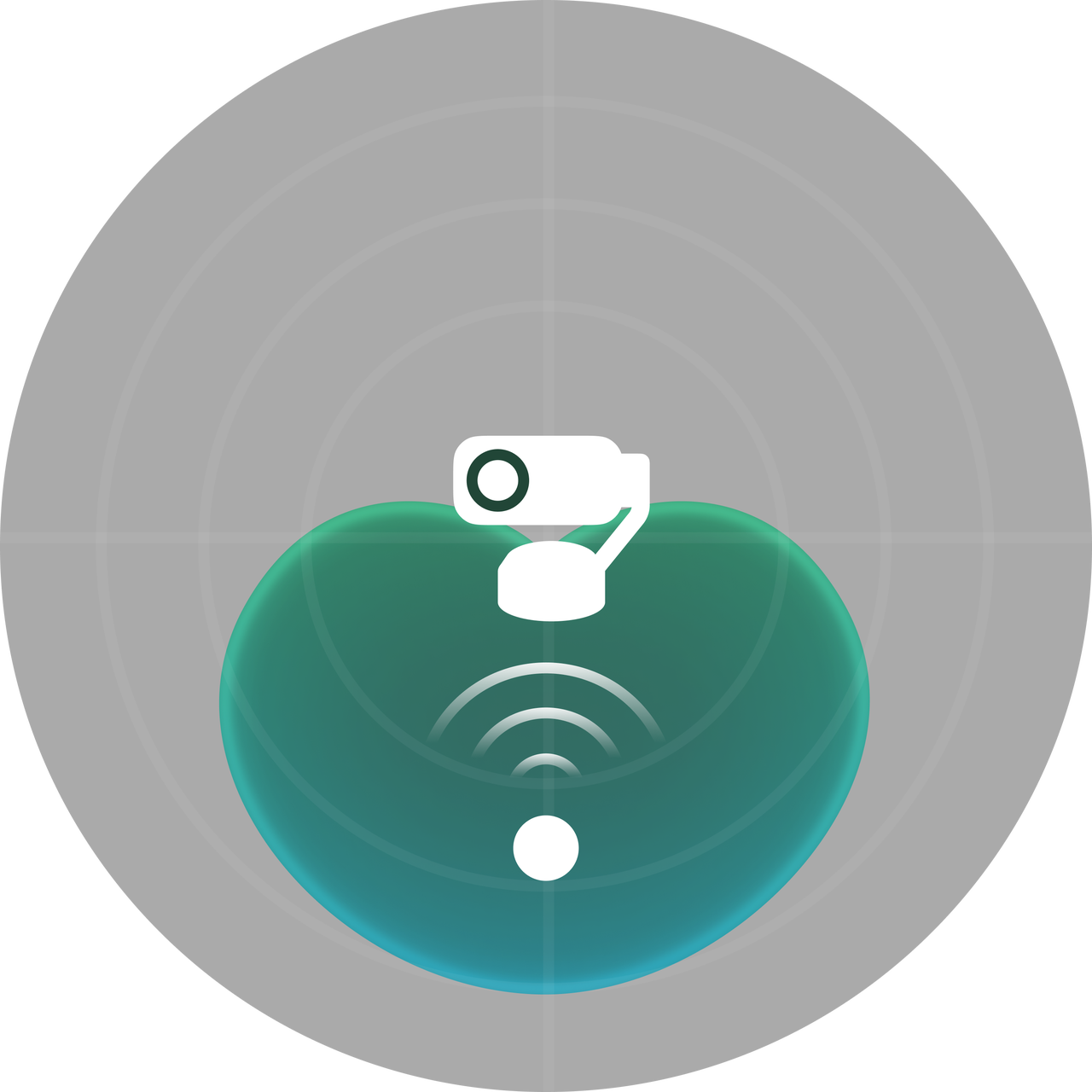 |
| Original | Suitable for scenarios with high audio quality requirements, such as content creation and live streaming. It picks up ambient sound around the device with noise reduction turned off to preserve the original sound as much as possible. | 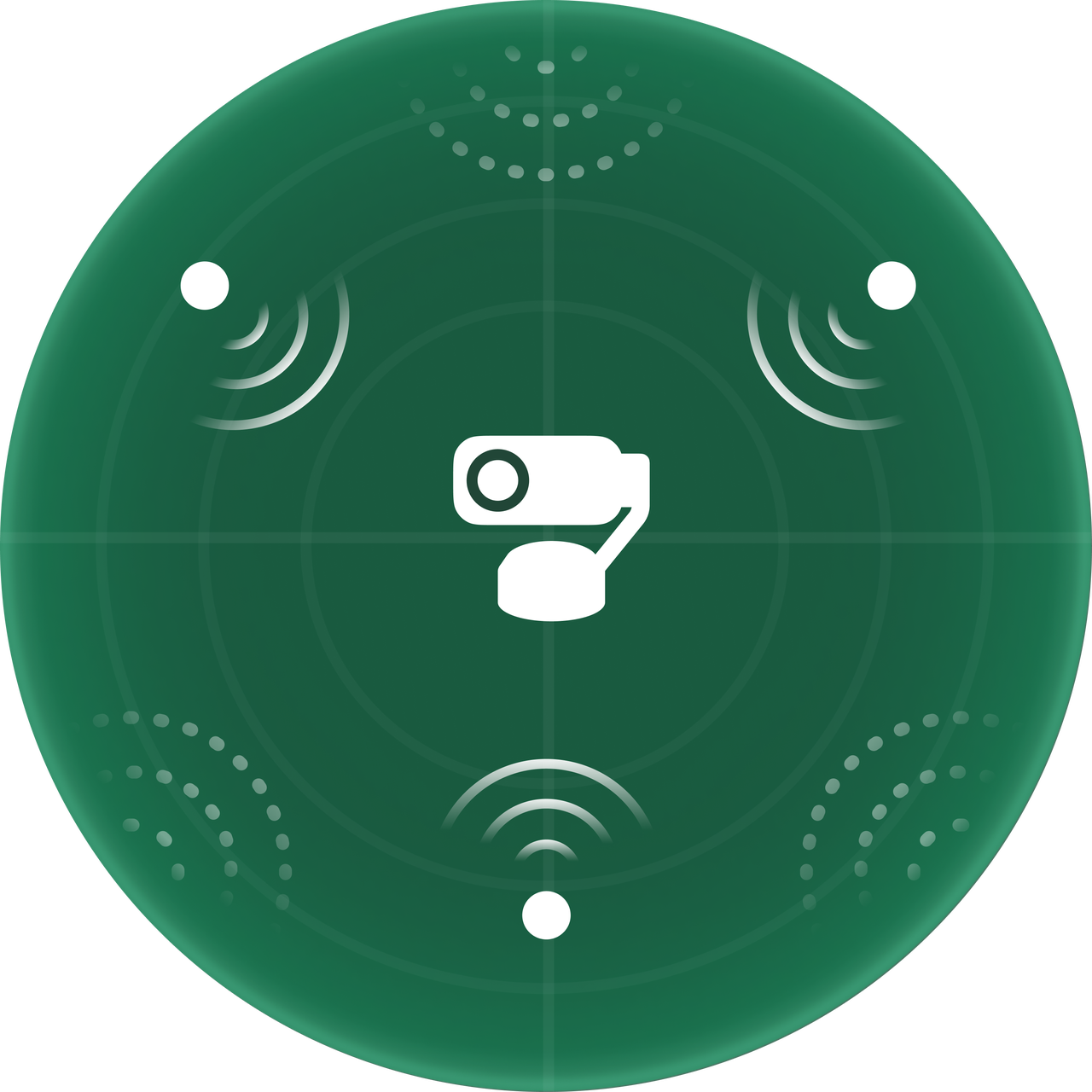 |
.svg)

