Charging
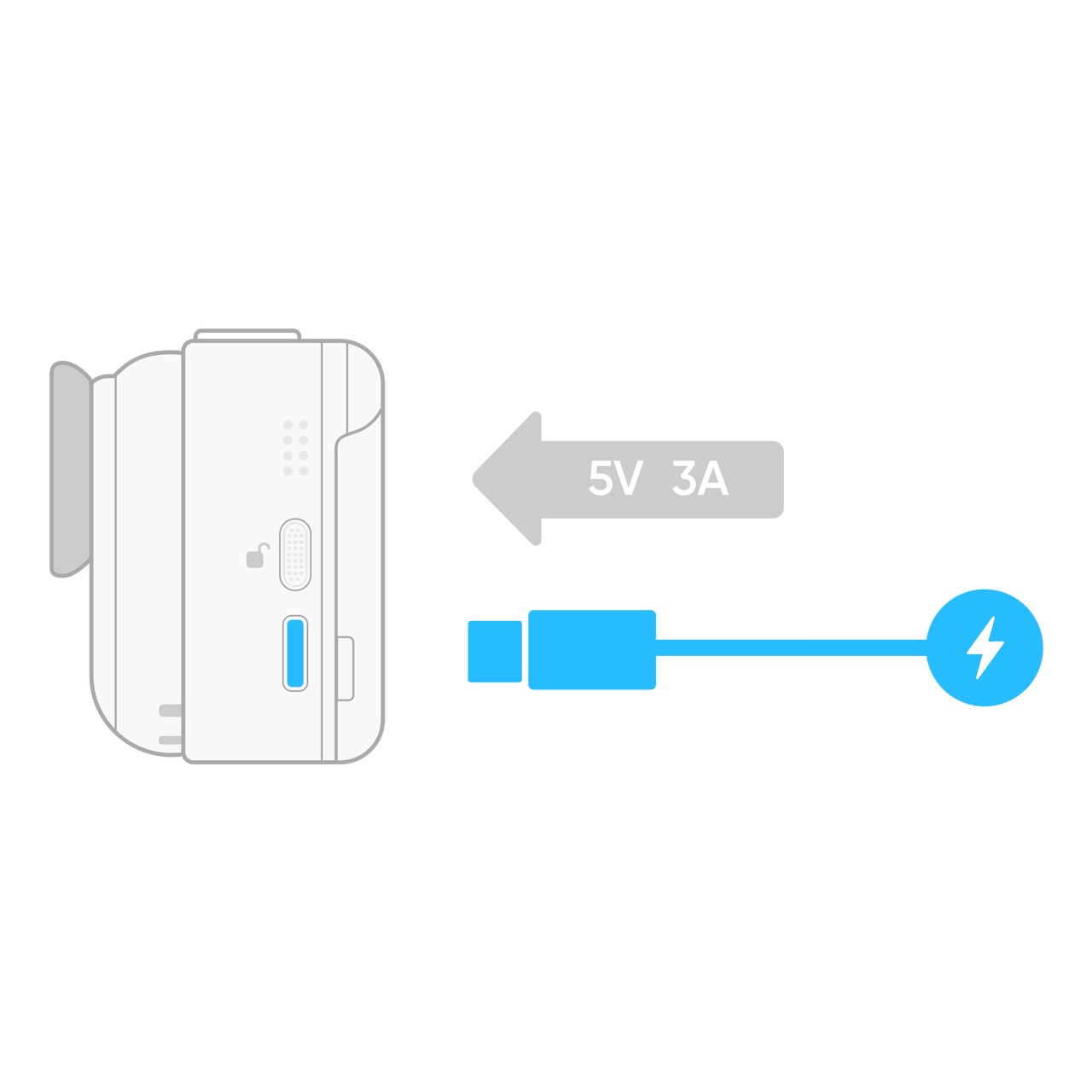
- Place the Standalone Camera in the Action Pod and use the official USB-C cable to connect the camera and a power supply for charging.
- During the charging process, the indicator lights on both the GO Ultra Standalone Camera and Action Pod will be lit orange. Once fully charged, these lights will be green.
Notes:
- Ensure the Standalone Camera is securely fastened in the Action Pod when charging.
- It is recommended to use a mains power to charge the camera. The maximum current and voltage is 5V 3A. If connected to a computer or other type of power supply, the current and voltage may be too low to charge both the Standalone Camera and Action Pod at the same time.
GO Ultra Charging Time
0-80%:in 12 minutes
0%-100%:in 20 minutes
Action Pod Charging Time
0-80%:in 18 minutes
80%-100%:in 40 minutes
- GO Ultra charging time: measured in a 25℃ (77°F) laboratory environment, using a sufficiently charged Action Pod (≥70%), without connecting to an external power supply, and with the camera turned off.
- Action Pod charging time: measured in a 25℃ (77°F) laboratory environment, using a 30W USB-C charger that supports the PD 3.0 PPS protocol, with the expansion module turned off and without connecting a the Standalone Camera. Actual charging time may vary under different conditions.


