Gimbal Grips
Flow 2 has the following four grip positions:
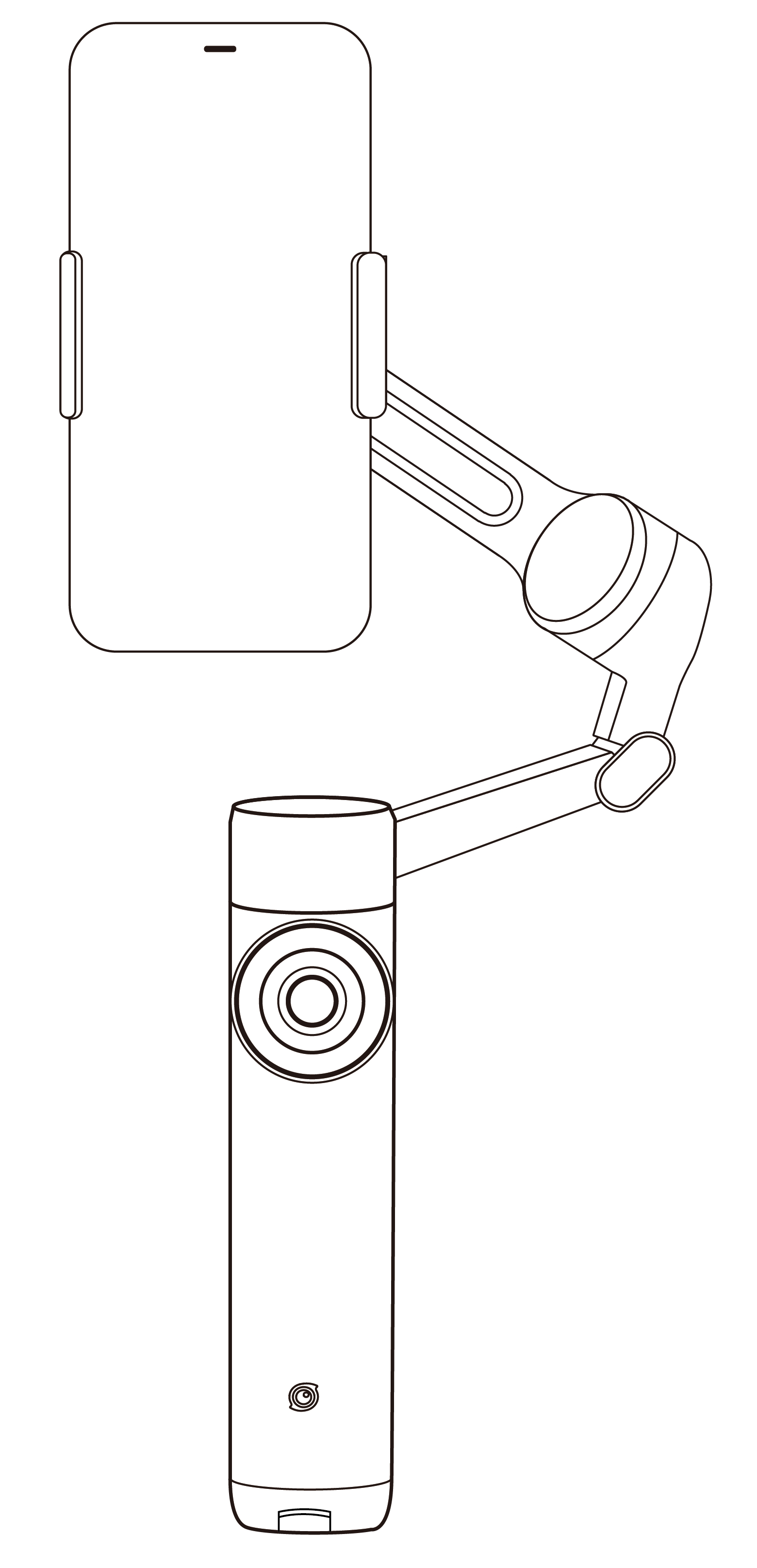
- Quick Grip: Unfold the gimbal in one motion for quick, on-the-go shooting.
Do not extend the tripod or selfie stick.
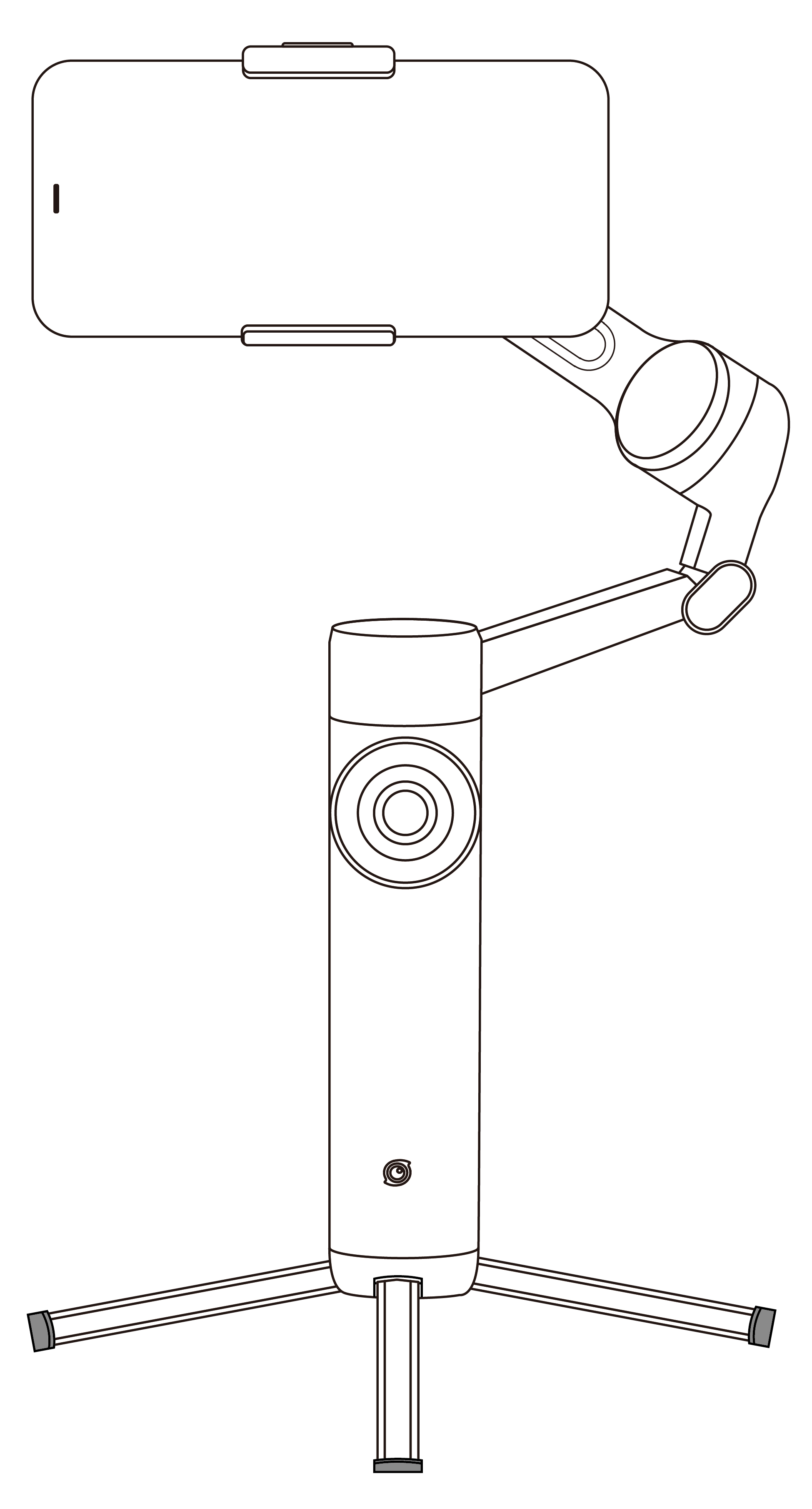
- Tripod Fixed Mode: Ideal for shooting static scenes and using Deep Track 4.0.
Pull out the tripod legs from the bottom of the gimbal, place it in a steady spot, and use it for fixed-position shooting.
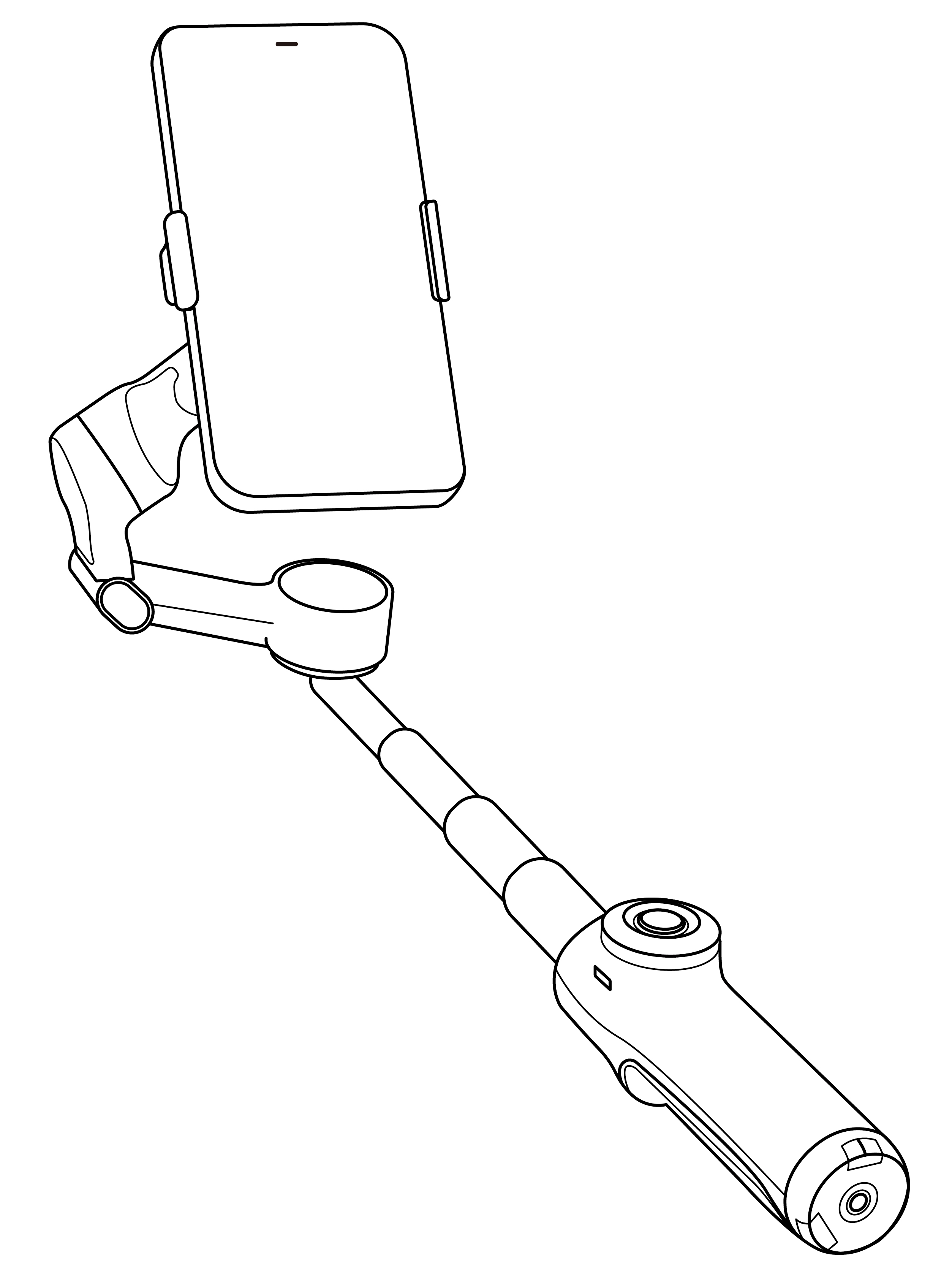
- Low Grip: Provides a more comfortable grip. Suitable for push-through and low-angle shots.
- Pull out the selfie stick.
- Extend the selfie stick slightly and bend the hinge at its base to a 90° angle. This creates a handle for capturing low-angle shots comfortably.
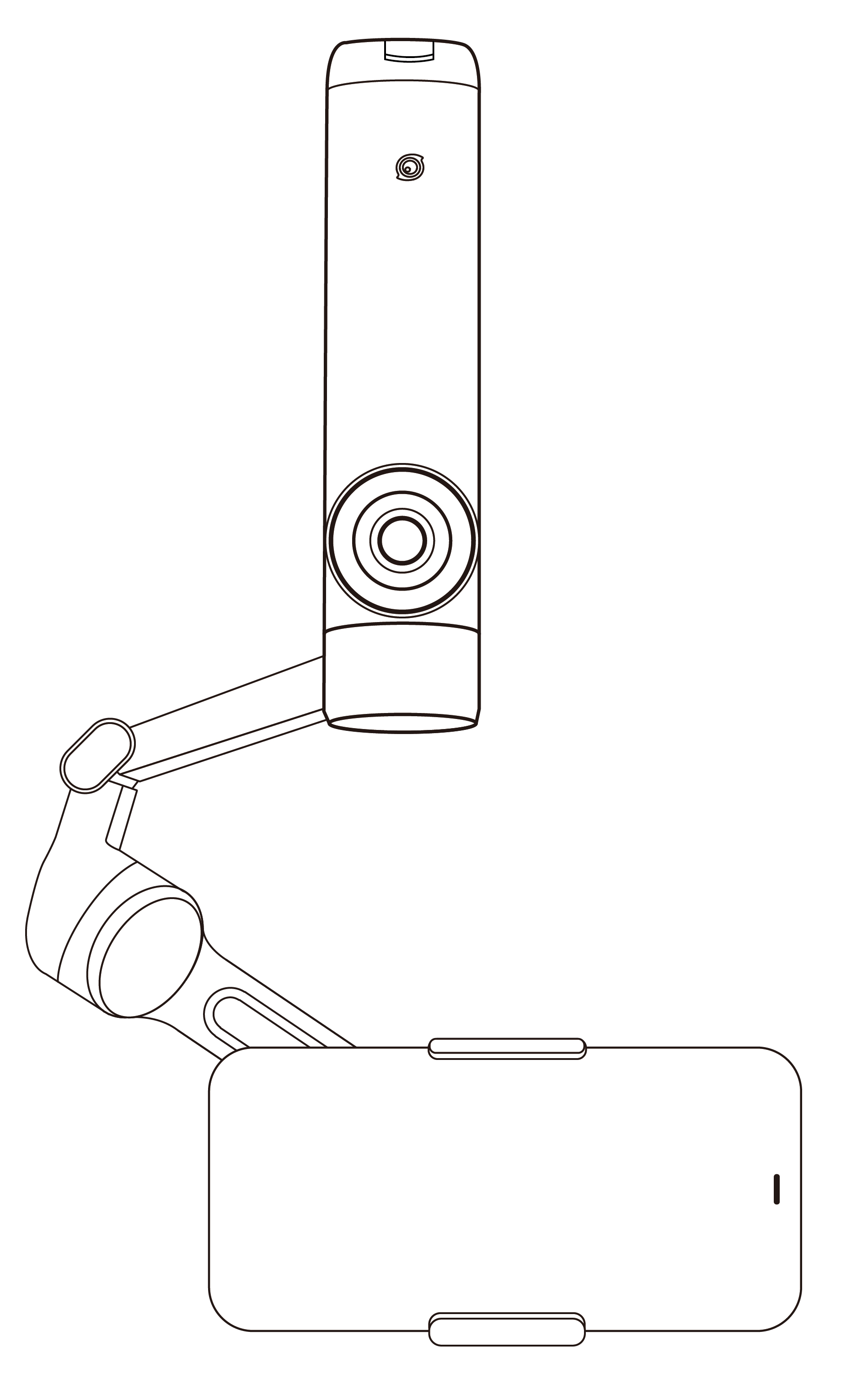
- Underslung Grip: Provides a more comfortable grip. Shoot close to the ground for low-angle shots.
- Turn Flow 2 upside down 180°.


.svg)

