Online Chat
Office Hours: 24/7
Start Chat


For scenarios that require both audio and video, the Insta360 Link 2 (sold separately) can be used in combination with Wave, otherwise known as Wavelink.
Notes:
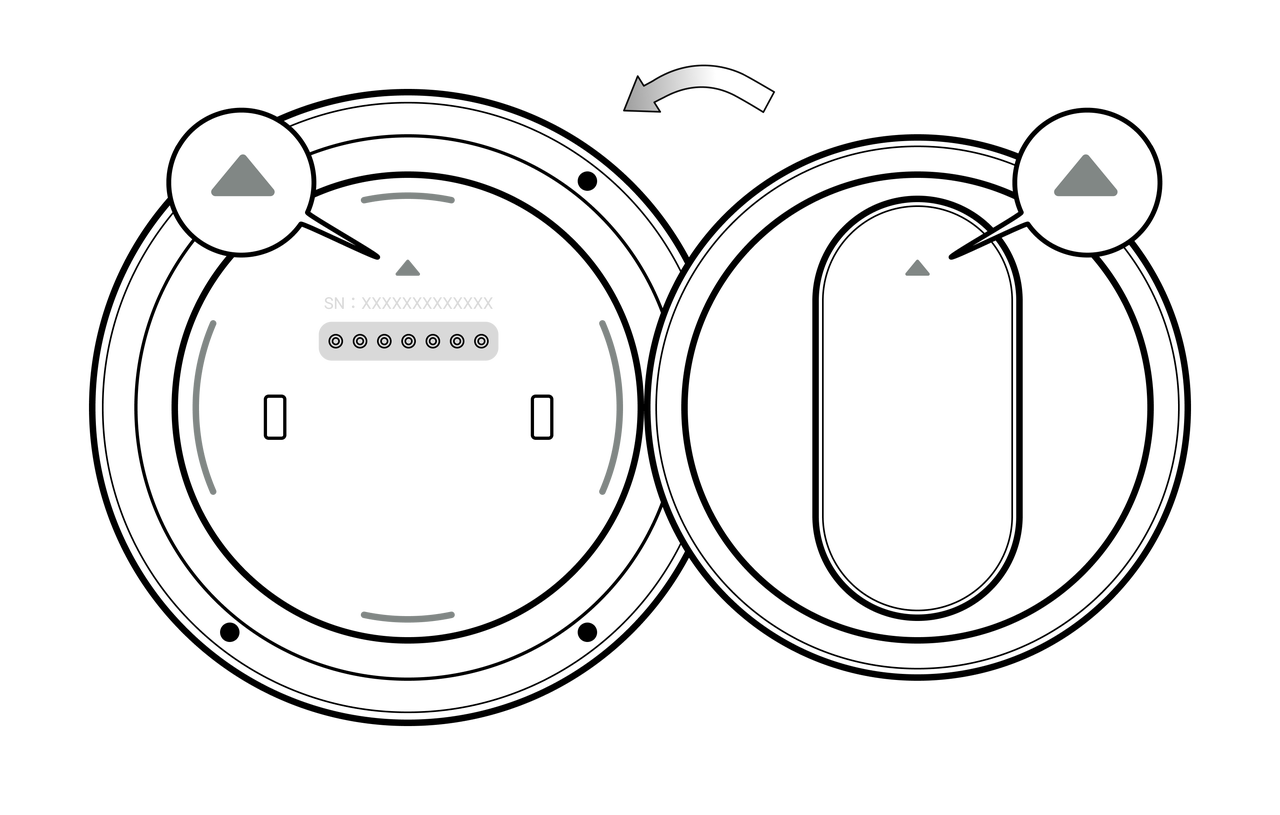
Before use, ensure that Insta360 Link 2's firmware has been updated to version 3.2.3.8 or later for voice-tracking compatibility with the Insta360 Wave.
After connection, if a video conference has not yet started, Insta360 Link 2 will enter standby with the lens facing downward.
Before starting a video conference, set Insta360 Link 2 as your video device and the Insta360 Wave as your audio device in your system or conferencing software.
When the conferencing software detects an active video stream, Insta360 Link 2 will automatically power on and start capturing video. By default, Insta360 Link 2 automatically follows the active speaker by default.
You can also switch between Automatic and Manual camera control modes on the Insta360 Wave by going to More > Link 2.

.svg)

