Online Chat
Office Hours: 24/7
Start Chat


Enter the app album, open the video you want to edit. You can swipe up or down to scroll to the next or previous video, and swipe left or right to delete or add to your collection.
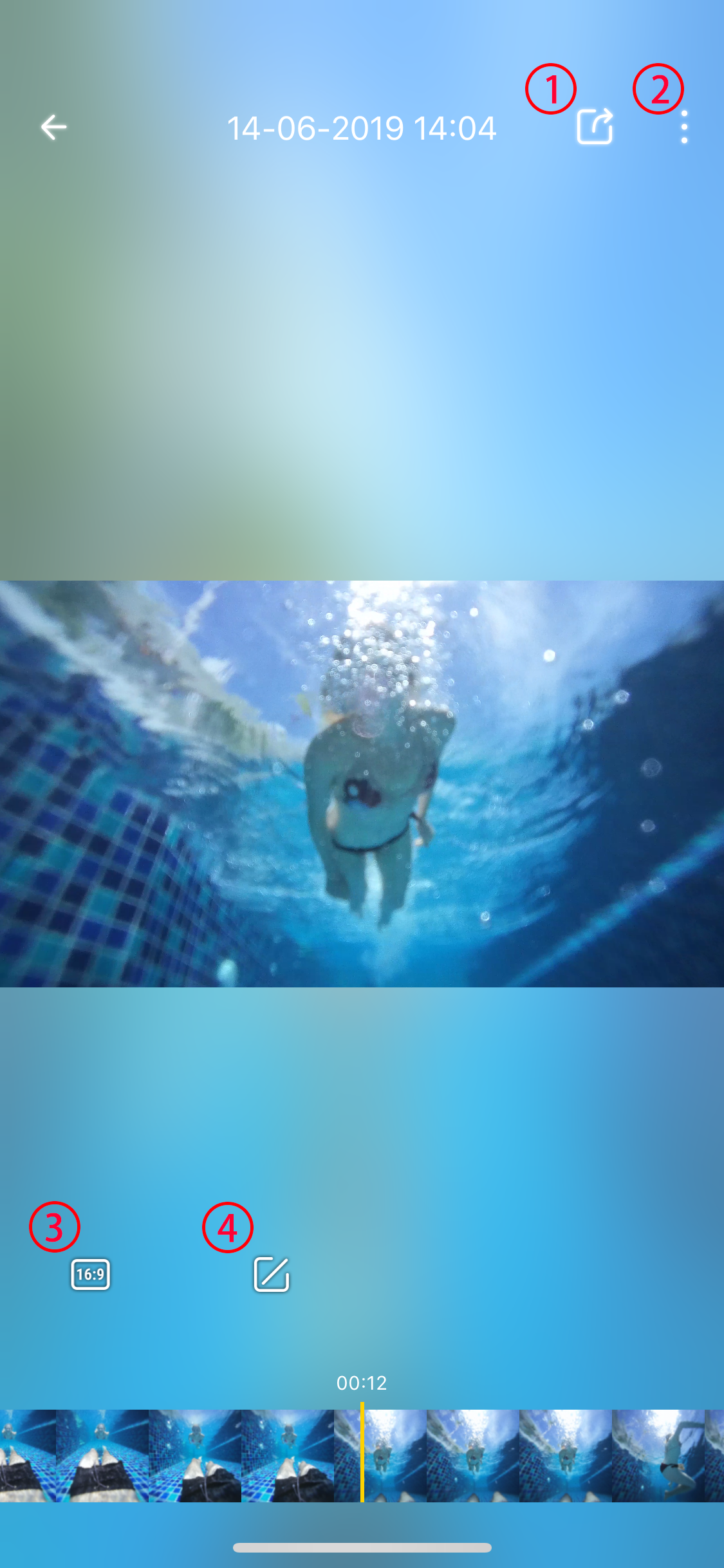
1Export video and share to social platforms.
2More infomation. You can turn on/off stabalization, reset edits, add to collection and delete videos here.
3Ratio button, tap it to adjust video ratio 16:9. 9:16 and 1:1.
4Edit, tap it to edit more.
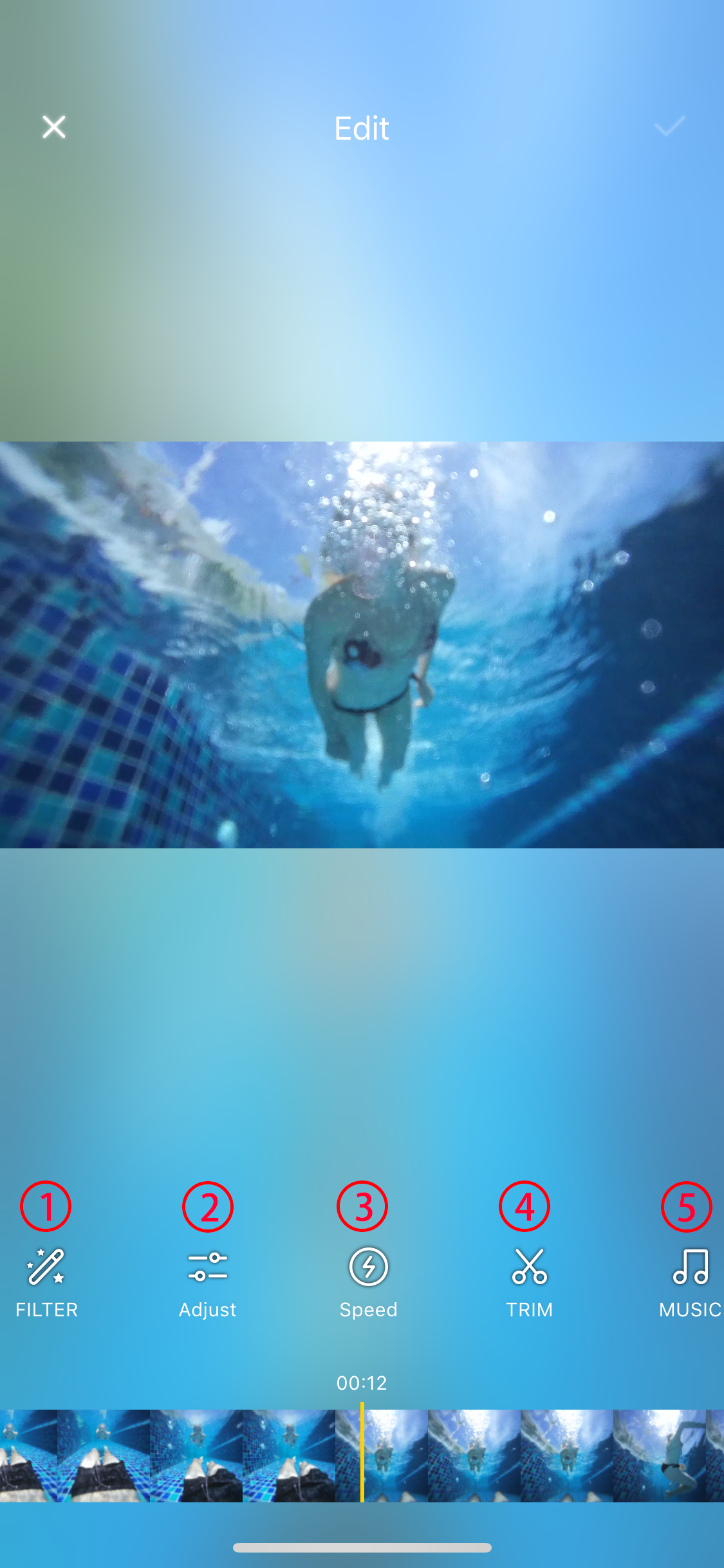
1Add filter
2Adjust color
3Adjust speed
4Trim your video
5Add background music
